

Key Takeaways
- Each important page should guide visitors toward one clear next step.
- Separate service pages help customers find details relevant to their problem.
- Reviews, credentials, staff information, and project photos can reduce hesitation.
- Mobile visitors need fast access to phone, form, and booking options.
- Calls, forms, qualified leads, and response times are more useful than traffic alone.
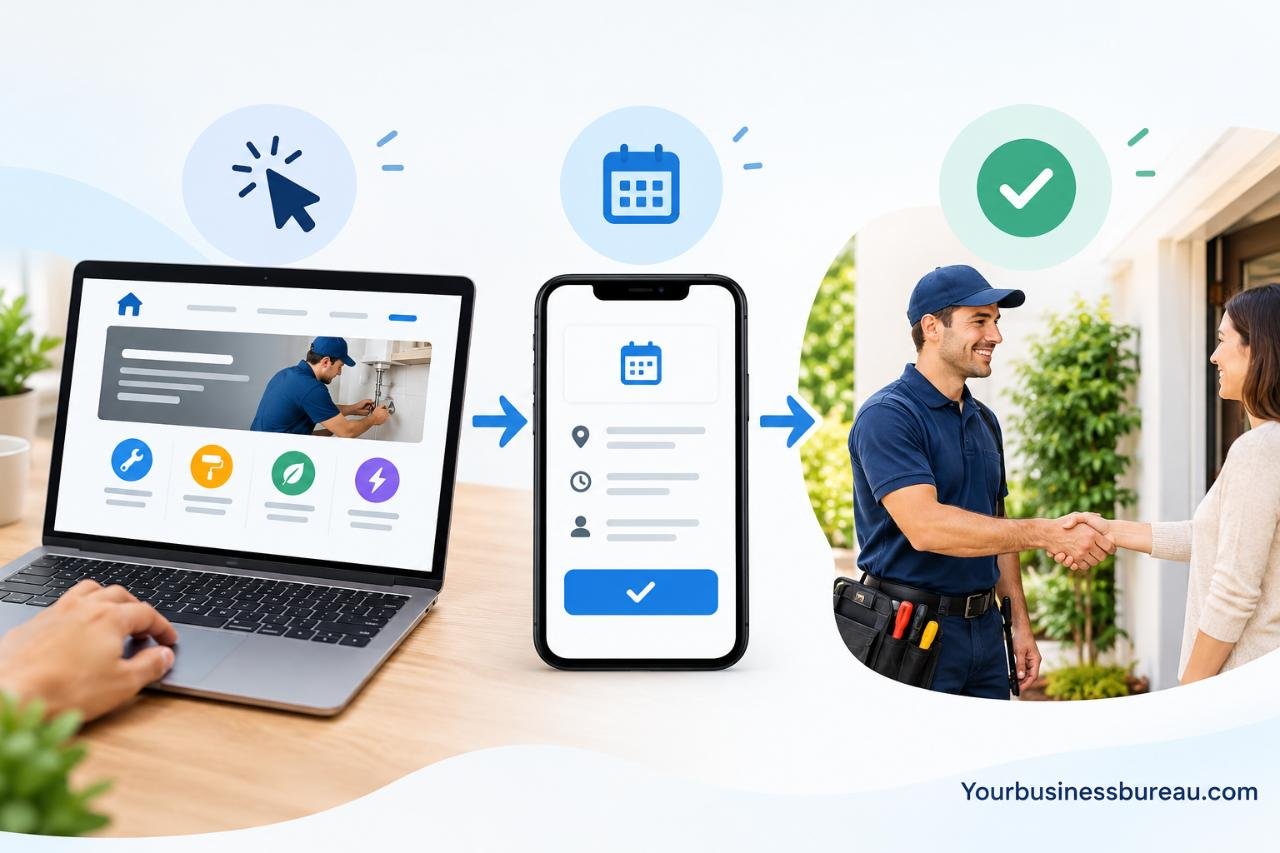
For a local service company, a website should do more than look polished. It should help a homeowner, property manager, or business owner understand the service, trust the provider, and take the next step. A focused approach to Marketing for Home Service Businesses starts with the customer journey, not with a long list of design features.
Whether the business handles plumbing, roofing, electrical work, cleaning, HVAC, landscaping, or another local service, the goal is simple: make it easy for the right prospect to become a real conversation and, eventually, a booked job.
Why Website Traffic Does Not Always Lead To More Jobs
A visit is not the same as a lead, and a lead is not automatically a booked job. A visitor may leave because the site does not explain the service, show the service area, answer pricing questions, or provide an easy way to make contact. More traffic will not solve a confusing experience.
Consider a homeowner searching for same-day plumbing help. They may need to know whether emergency calls are accepted, which areas are covered, how quickly they can expect a response, and how to reach a person. If those answers are difficult to find, the visitor may contact another company instead.
Start With The Customer’s Search Intent
Visitors arrive with different levels of urgency and readiness. A useful website recognizes that someone comparing providers needs different information than someone with an active leak or a broken air conditioner.

Common Types Of Local Search Intent
- Urgent intent: A person needs immediate help and wants a phone number or availability information.
- Research intent: A person wants to understand costs, warning signs, or repair options.
- Comparison intent: A person is weighing experience, reviews, service policies, and qualifications.
- Booking intent: A person is ready to request an estimate, appointment, or inspection.
Build A Clear Website Structure
A local service website should let people find answers without searching through several menus. At minimum, include a homepage, individual service pages, accurate service-area information, an about page, reviews or a project gallery, frequently asked questions, and a contact or booking page.
Each major service deserves its own page. For example, a roof repair page should explain common problems, what the repair process may involve, expected preparation, the areas served, and how to request help. This is more useful than placing every service on one generic page.
Make The Homepage Do One Job Well
Within a few seconds, the homepage should answer three questions: What does the business do? Where does it work? How does a customer get started? Use a direct headline, a short explanation of who the company helps, and a visible call button or booking option.
Support that message with real proof. Recent reviews, current job photos, licensing or insurance details where relevant, and links to full service pages give visitors reasons to keep exploring. Avoid unsupported claims such as “best in town” when specific evidence can do more to build trust.
Use Service Pages To Answer Real Questions
A strong service page begins with the customer problem, explains the service in plain language, and outlines what happens next. It can also list signs that service may be needed, practical preparation tips, common questions, and a clear action, such as “Request an estimate” or “Call for availability.”
Helpful content should be created for people who need an answer, not simply to repeat a phrase many times. Google’s guidance on people-first content emphasizes original, useful information that demonstrates experience and helps readers accomplish their goals.
Show Proof Before Asking For Contact Information
In-home and high-cost services often require reassurance before a visitor shares contact details. Place trust signals near the decision point, especially on service and contact pages.
- Recent customer reviews and clear responses to feedback
- Before-and-after photos from real projects
- Staff names, short bios, and relevant credentials
- Licenses, certifications, insurance information, or guarantees when applicable
- Simple explanations of pricing factors and service policies
Improve Mobile Conversion Paths
Many local prospects will view the site from a phone, often when they need an answer quickly. Make phone numbers clickable, use buttons that are easy to tap, keep text readable, and put contact choices near the top of important pages. Short forms are usually easier to complete than forms that ask for every project detail upfront.
Test the experience by asking someone unfamiliar with the business to find the phone number and request a quote. If they struggle, simplify the page before investing in more traffic.
Connect Local Search With The Website
Business information should remain consistent wherever customers find it. Review the business name, address, phone number, hours, service area, and service links after any change. Add real project photos when appropriate, respond professionally to reviews, and make sure listings lead to the most relevant website page.
Do not create nearly identical pages for every nearby town. Instead, provide accurate service-area details and location-specific information only when it genuinely helps customers.
Make Forms And Follow-Up Easier
A contact form only needs information required for the next conversation: name, preferred contact method, service needed, ZIP code or location, timing, and a short project description. Add a brief privacy note and state when the business expects to respond.
The website is only part of the process. Send an immediate confirmation, route the inquiry to the right person, respond within the promised window, and record the outcome. A common missed opportunity occurs when a high-value weekend inquiry sits unanswered until Monday, after the customer has already hired another provider.
Measure The Numbers That Matter
Traffic and rankings can indicate visibility, but they do not show whether marketing creates profitable work. Track website calls, completed forms, booked appointments, qualified-lead rate, average response time, close rate, and revenue by marketing source when possible.
Cost Per Qualified Lead = Total Marketing Cost ÷ Number Of Qualified Leads
Review results by service type and location when enough data is available. This can reveal whether a page attracts the right inquiries or simply creates more unqualified contacts.
Use A Practical 30-Day Improvement Plan
- Days 1 to 7: Test mobile pages, phone links, forms, and booking paths.
- Days 8 to 14: Improve homepage messaging, service descriptions, and calls to action.
- Days 15 to 21: Add current reviews, job photos, credentials, and useful FAQs.
- Days 22 to 30: Track leads, response times, bookings, and missed opportunities.
Common Mistakes To Avoid
- Using one vague page for every service.
- Hiding contact options behind menus or pop-ups.
- Publishing outdated hours, reviews, or service information.
- Counting every form submission as a qualified lead.
- Making major design changes without measuring their effect.
Conclusion
A high-performing local service website does not need unnecessary complexity. It needs clear service information, real proof, simple mobile contact options, and dependable follow-up. Review each page against the basic practices in Google Search Essentials, then improve the areas that make it easier for customers to find answers and take action. When the experience is clear from the first click through the first response, more visits can become booked jobs.
