

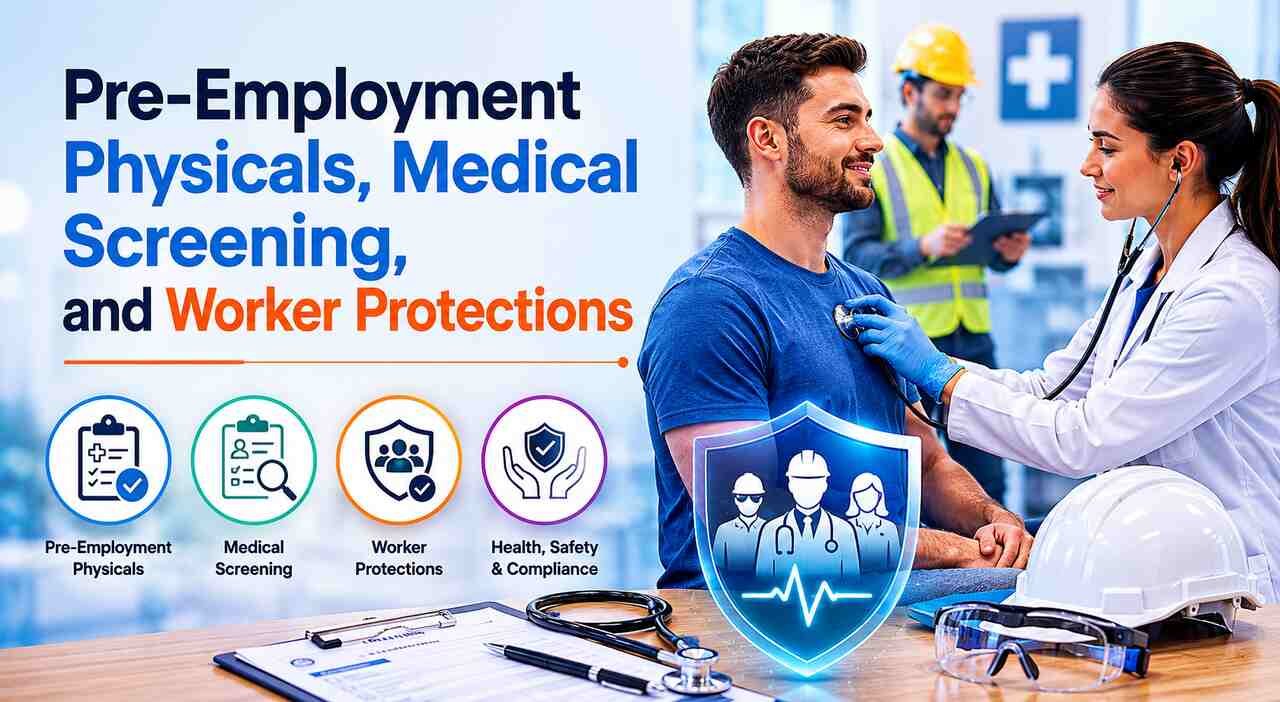
Starting a brand new job soon?
A physical exam could be standing between you and that first day on the job. An increasing number of employers are requiring new employees to pass a pre-employment physical.
The reason is simple…
Employers want to ensure that you can perform your job safely before they’ll hire you. All reasonable enough. However… here’s the kicker.
Most folks walk into that exam room like it’s nothing. Why wouldn’t they? It’s commonplace. No big deal. It’s like a mini check-up at your family physician. However, a pre employment physical is still a legitimate medical examination conducted by real physicians. And like any medical examination, things can go wrong without anyone noticing.
Here is the uncomfortable truth…
Screenings are administered by physicians and nurses – and physicians and nurses can make mistakes. If a screening fails to detect something serious or delivers an incorrect outcome, the new employee can be injured, terminated, or both. In that instant, you are no longer merely a job candidate. You become an injured patient who may have a patient injury lawsuit, and you may want to contact a local attorney who specializes in these types of claims.
So let’s break the whole thing apart, piece by piece.
Here’s what you’ll walk away with:
- Why Bosses Order Pre-Employment Physicals
- What Medical Screening Really Checks
- The Rules That Protect You
- When a Physical Goes Wrong
Why Bosses Order Pre-Employment Physicals
Why do employers care so much about your health before you even clock in?
It comes down to money and safety.
Workplace injuries cost a lot of money — and they’re very common. The Bureau of Labor Statistics reported just under 2.5 million workplace injuries in private industry in one year alone. Ouch. That’s a lot of medical bills, lost time and claims.
A comprehensive screening can narrow that list. Research even indicates that employees who undergo a pre-employment physical are less likely — 47%, to be exact — to get hurt on the job than those who don’t.
A massive drop. You can see why bosses love them.
A pre-employment physical usually checks:
- Your basic vitals and general health
- Whether you can handle the physical demands of the role
- Any condition that the job might make worse
The exam should be related to the job. Someone sitting at a desk will not be tested the same as a person lifting boxes all day.
What Medical Screening Really Checks
Here’s where things get a little deeper…
A medical screening is not just a head-to-toe examination. Occupation specific screenings can include drug screenings, vision and hearing tests, pulmonary function testing and may even include blood work.
Why so thorough?
Safety = Job security. Here’s why. The results follow you around. A screening provides a health report on day one. That report can be used to determine if an injury occurred on the job or before you stepped through the door.
Think about it:
If you injure your back on the job, they will pull your baseline screening for comparison. A pristine, accurate file safeguards you. A sloppy, incorrect one can hurt you greatly.
And that is exactly why the accuracy of these tests matters so much.
The Rules That Protect You
Now for the good news…
You’re not alone. There’s an entire body of laws ensuring these tests remain fair and your information stays private.
Three big ones stand out:
- ADA: Employers can only give you a physical AFTER they offer you employment. Not before. This prevents them from screening you out.
- HIPAA: Medical records/results cannot be commingled with your regular employment file.
- Workers’ comp laws: These provide you with a route to benefits if you are injured on the job.
Keep in mind that the test should relate to the position you applied for. A completely generic test that doesn’t relate to your job can be plain discrimination.
Rules are good. They ensure that there is some equilibrium of power between you and the entity who wants to hire you.
When a Physical Goes Wrong
Here’s something most people never stop to consider…
Your career clearance doctor can hurt you. Pre employment physicals are actual doctor visits. Actual doctor visits have actual risks.
Picture this…
Your blood work shows signs of a serious disease, but the clinic never informs you. You eventually receive that forgotten test result only after it has progressed into a serious medical emergency. That, dear reader, is the perfect example of a diagnostic error – and they’re much more common than you’d believe.
Wait…What? Diagnostic errors kill or permanently disable an estimated 795,000 Americans each year in all care settings.
Let that one sink in.
The World Health Organization estimates that 1 in 10 patients are harmed during medical care globally. When it comes to pre-employment screening, it’s no different. The damage done could be life altering if they provider isn’t careful.
In that case, the injured employee may have a valid reason to file a patient injury lawsuit. Evidence that can help a claim consists of:
- A test result that was missed or flat-out ignored
- A wrong diagnosis that led to real harm
- Private health data that was leaked or mishandled
The crux of your case is proving the provider did not meet the appropriate standard of care — and that this failure caused you injury.
How to Protect Yourself
So how do you stay on the safe side of all this?
A few simple habits go a long way.
- Ask for copies of every test result, even the “normal” ones
- Read your screening paperwork closely before you sign it
- Follow up if a clinic goes quiet after running a test
- Keep your own health records in a safe spot
They’re free. However they can prevent a lot of aggravation should something fall through the cracks.
You should also know exactly who administered your exam. Most are performed by outside clinics, not your employer. It matters if you ever need to identify who was responsible.
Bringing It All Together
Pre-employment physicals and medical screening are here to stay. In fact every year more employers use them.
Overall they do great work. They make workplaces safer and keep legitimate workers from getting targeted for past injuries they didn’t cause.
But they are far from perfect.
A quick recap of what really matters:
- Physicals help bosses lower injury risk and costs
- Screening builds a health record that can protect you later
- Laws like the ADA and HIPAA keep the process fair
- A careless provider can turn a routine exam into serious harm
Be aware, keep good records, and understand your rights. A pre-employment physical should lead to a brand new career, not injuries with no opportunities.
