

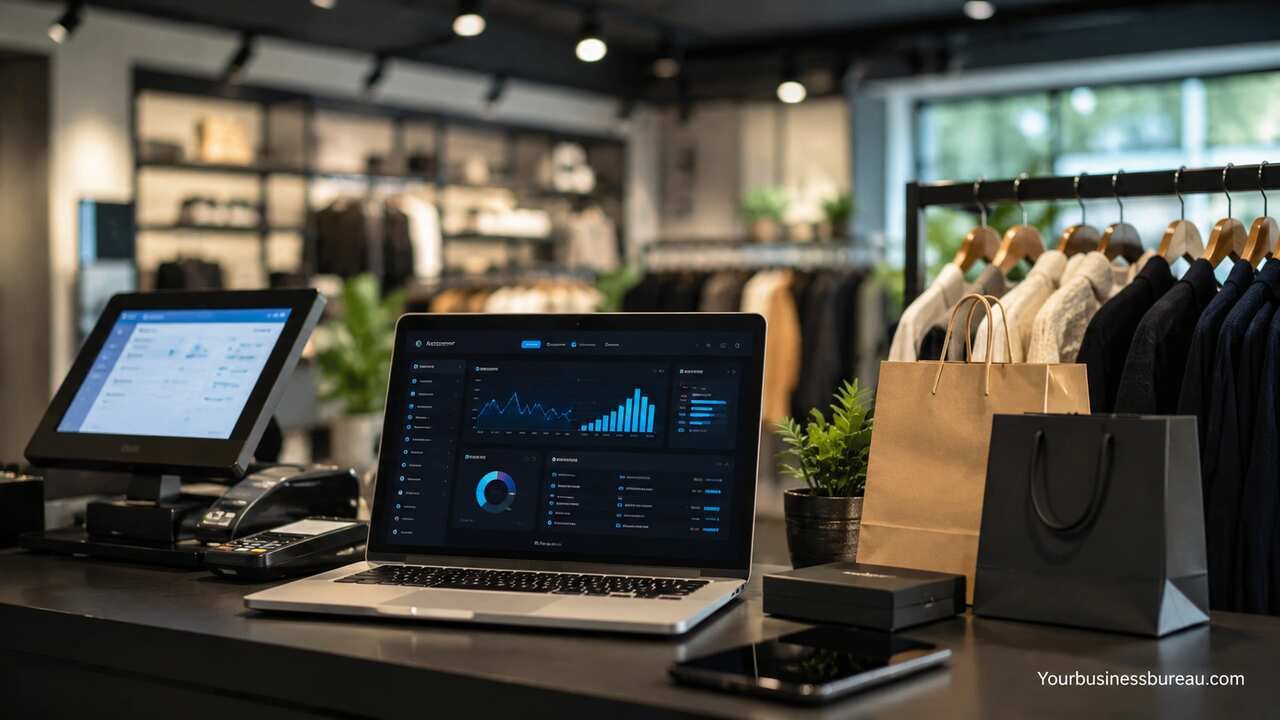
Custom retail software development gives retailers a tailored way to manage sales, inventory, customer relationships, ecommerce operations, pricing, fulfillment, analytics, and in-store workflows. Instead of forcing a business to adapt to generic tools, custom retail software adapts to the business model, customer journey, product catalog, store network, and growth strategy. For modern retailers, this approach supports faster operations, cleaner data, better buying decisions, and more consistent customer experiences across physical and digital channels.
Define Retail Business Goals
Custom retail software development should begin with clear business goals. A retailer needs to identify the operational problems the software must solve, such as slow checkout, poor stock visibility, disconnected ecommerce data, weak loyalty engagement, or manual reporting. Clear goals help the development team build software that improves revenue, reduces waste, and supports daily retail operations.
The planning stage should include sales goals, store workflows, inventory challenges, customer service needs, payment requirements, and integration needs. A fashion retailer may need size-level inventory tracking, while a grocery chain may need expiry date monitoring and supplier ordering. A furniture retailer may need delivery scheduling, while a beauty retailer may need loyalty-based product recommendations.
Strong goal-setting also prevents unnecessary features. Retail software performs best when each feature serves a measurable business purpose. For example, a retailer may set targets such as reducing stockouts by 25 percent, cutting checkout time by 40 percent, or increasing repeat purchases through personalized loyalty campaigns.
Map Customer Shopping Journeys
Retail software should support how customers actually shop. A customer may browse products online, check store availability, visit a physical location, use a discount code, join a loyalty program, and request home delivery. Custom retail software connects these steps so the customer experience feels smooth rather than fragmented.
The journey map should include discovery, product search, product comparison, checkout, payment, pickup, delivery, returns, and post-purchase communication. Each step requires accurate data and reliable workflows. Product information must stay consistent, promotions must apply correctly, and customer profiles must update after each interaction.
This mapping also helps retailers improve weak points. If customers abandon carts because shipping costs appear too late, checkout software can display costs earlier. If store associates cannot find product availability, mobile staff tools can solve that problem. When software follows the real shopping path, customer satisfaction improves.
Select Core Retail Software Features
A custom retail platform should include the features that directly support business operations. The most common features include point of sale, inventory management, customer management, ecommerce integration, order management, payment processing, loyalty programs, reporting, and staff management.
Each feature should have a clear role. Point-of-sale software processes transactions. Inventory software tracks stock movement. Customer management software stores purchase history and preferences. Order management software coordinates online orders, store pickup, delivery, and returns. Reporting dashboards show sales trends, margin performance, and product demand.
Retailers should prioritize features based on business size and complexity. A single-store retailer may need POS, inventory, and customer profiles first. A multi-location retailer may need warehouse management, role-based access, advanced reporting, and omnichannel fulfillment. A growing brand should build with future expansion in mind.
| Retail Area | Custom Software Function | Business Value |
| Point of Sale | Checkout, receipts, discounts, refunds | Faster sales and fewer transaction errors |
| Inventory | Stock tracking, transfers, reorder alerts | Better product availability and lower overstock |
| Ecommerce | Product sync, online checkout, order routing | Unified online and offline selling |
| Customer Management | Profiles, purchase history, loyalty data | Better retention and personalization |
| Analytics | Sales reports, demand trends, margin tracking | Smarter buying and pricing decisions |
| Fulfillment | Pickup, delivery, returns, warehouse routing | Smoother order completion |
Build Inventory Management Workflows
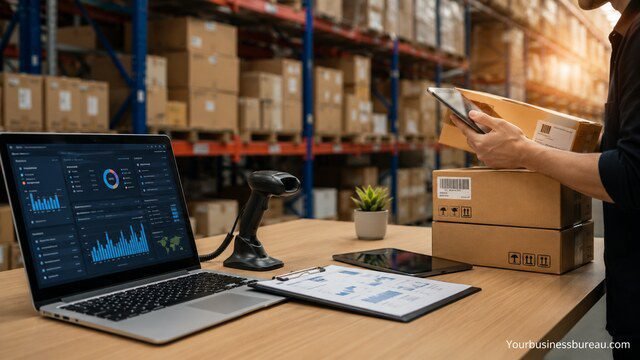
Inventory management is one of the strongest reasons to invest in custom retail software development. Retailers lose revenue when popular products sell out, and they lose cash when slow-moving products sit in storage. Custom software gives teams accurate stock visibility across stores, warehouses, ecommerce platforms, and supplier channels.
Inventory workflows should include product receiving, barcode scanning, stock adjustments, transfers, reorder points, batch tracking, and stock counts. Retailers can also add category-specific rules. Apparel stores may track color, size, and season. Grocery stores may track expiry dates. Electronics stores may track serial numbers and warranty details.
Accurate inventory data improves many retail decisions. Buyers can reorder based on demand. Store managers can move products between locations. Ecommerce teams can avoid selling unavailable items. Finance teams can measure stock value more accurately. When inventory software connects with sales and fulfillment systems, retail operations become faster and more predictable.
Develop Point-of-Sale Capabilities
A custom point-of-sale system should make checkout quick, accurate, and flexible. It should support barcode scanning, product lookup, discounts, tax rules, receipts, refunds, exchanges, gift cards, and multiple payment methods. For retail staff, the POS interface should be simple enough to use during busy sales periods.
The POS system should connect directly with inventory, customer profiles, promotions, and accounting tools. When a sale happens, stock levels should update immediately. When a loyalty member checks out, points should apply automatically. When a refund occurs, the system should update revenue reports and inventory records.
Custom POS development is especially useful for retailers with special checkout requirements. A pharmacy may need compliance checks. A furniture retailer may need deposits and delivery scheduling. A fashion retailer may need split payments and exchange workflows. A well-built POS system reduces mistakes and improves customer service at the most important sales moment.
Connect Ecommerce and Store Operations
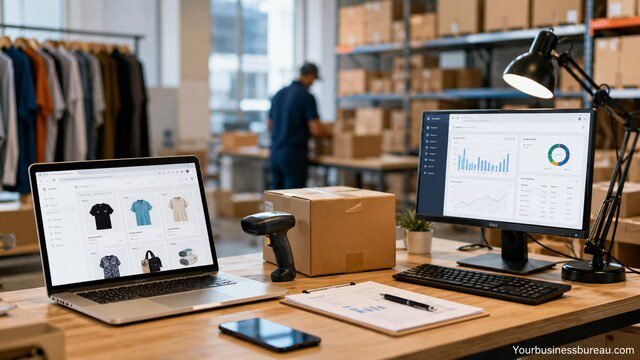
Retailers need software that connects digital commerce with physical store operations. Customers expect product availability, prices, discounts, and order status to remain consistent across all channels. Custom retail software helps unify ecommerce platforms, stores, warehouses, and customer service teams.
This connection should include product catalog syncing, inventory availability, order routing, click-and-collect, ship-from-store, customer accounts, promotions, and returns. For example, a customer may order online and pick up from the nearest store. The system should reserve the item, notify staff, update inventory, and send pickup instructions.
A connected retail system also improves operational flexibility. Stores can act as fulfillment centers. Online orders can be routed to locations with excess stock. Returns can be accepted in-store even when purchases happen online. This unified approach increases convenience for customers and improves stock efficiency for the retailer.
Design Customer Loyalty and Personalization Tools
Customer loyalty software helps retailers increase repeat purchases and long-term customer value. A custom loyalty system can support points, tiers, rewards, birthday offers, referral bonuses, exclusive discounts, and personalized campaigns. The software should make loyalty benefits easy for customers to understand and simple for staff to apply.
Personalization depends on clean customer data. The system can use purchase history, browsing behavior, category preferences, location, average order value, and engagement history. A retailer can recommend products, send replenishment reminders, offer relevant bundles, or invite customers to events based on previous behavior.
Custom development gives retailers more control over loyalty strategy. A premium brand may use VIP tiers and early access. A grocery chain may use weekly personalized coupons. A beauty retailer may use replenishment cycles and product matching. When loyalty tools match the brand and customer habits, retention improves.
Integrate Payments, Security, and Compliance
Retail software must handle payments securely and reliably. A custom retail system should support credit cards, debit cards, mobile wallets, gift cards, store credit, online payments, and refunds. Payment workflows should be fast for customers and easy for accounting teams to reconcile.
Security requirements include encrypted data transfer, secure authentication, role-based access, audit logs, fraud controls, and safe storage practices. Retailers that process card payments must work with payment providers that support payment security standards. Customer information should be protected across POS, ecommerce, loyalty, and support systems.
Compliance needs vary by region and retail type. Tax calculation, invoice formats, privacy rules, refund policies, and industry-specific requirements may all affect software design. A custom system allows these rules to be built into daily workflows instead of managed through manual checks.
Create Reporting and Analytics Dashboards
Retail leaders need accurate reports to make decisions quickly. Custom reporting dashboards can show sales performance, product demand, inventory turnover, gross margin, average transaction value, customer retention, staff performance, and promotion results. The goal is to turn daily retail activity into clear business insight.
Dashboards should be built for different users. Store managers may need hourly sales, staff productivity, and stock alerts. Buyers may need product performance, sell-through rate, and supplier data. Executives may need revenue trends, margin reports, and growth forecasts. Marketing teams may need campaign performance and customer segments.
Good analytics also supports forecasting. Retailers can compare historical sales, seasonal patterns, promotion effects, and location-level demand. This helps teams buy the right products, schedule staff more effectively, and reduce unnecessary markdowns. Custom dashboards give each department the information it needs without overwhelming users.
Plan System Integrations
Custom retail software often needs to connect with existing tools. These may include ecommerce platforms, accounting software, ERP systems, warehouse tools, CRM platforms, marketing automation, shipping providers, payment gateways, and supplier systems. Strong integrations reduce duplicate work and improve data accuracy.
The development team should identify which systems must exchange data, how often updates should happen, and which platform should act as the main source for each data type. Product data may come from a product management system. Sales data may come from POS and ecommerce. Financial data may flow into accounting software.
Poor integrations can create serious problems. Stock numbers may become inaccurate, orders may duplicate, and reports may conflict. A careful integration plan prevents these issues. APIs, webhooks, middleware, and scheduled data syncs can all support reliable data movement between retail systems.
| Integration Type | Common Tools Connected | Data Shared |
| Ecommerce | Shopify, Magento, WooCommerce, custom stores | Products, orders, customers, inventory |
| Accounting | QuickBooks, Xero, NetSuite | Sales, taxes, refunds, invoices |
| Payments | Stripe, Adyen, PayPal, card terminals | Transactions, refunds, authorizations |
| Shipping | FedEx, DHL, UPS, local couriers | Rates, labels, tracking numbers |
| Marketing | Email, SMS, automation platforms | Customer segments, campaigns, engagement |
| ERP | Enterprise planning systems | Inventory, purchasing, finance, operations |
Choose the Right Technology Architecture
The architecture of custom retail software affects speed, stability, scalability, and maintenance. Retailers can choose cloud-based systems, on-premise systems, hybrid setups, or mobile-first platforms depending on business needs. Most growing retailers prefer cloud-based software because it supports easier updates, remote access, and multi-location operations.
The technology stack should support secure APIs, reliable databases, responsive interfaces, mobile devices, barcode scanners, receipt printers, payment terminals, and offline functionality where needed. Retail stores may require offline checkout if internet service fails. Warehouses may need handheld scanning devices. Executives may need browser-based dashboards.
A scalable architecture helps the software grow with the business. The system should handle more products, more transactions, more stores, more users, and more customer data over time. Strong architecture reduces future rebuilds and protects the investment in custom development.
Build User-Friendly Interfaces
Retail software must be easy for staff to use. Store employees, warehouse teams, managers, buyers, marketers, and customer service agents all need interfaces that match their daily tasks. A complicated interface slows work and increases training costs.
The design should focus on clear navigation, fast search, readable product information, simple checkout steps, visible alerts, and minimal unnecessary clicks. Mobile-friendly screens are important for store associates who help customers on the sales floor. Warehouse screens should support scanning and quick stock updates.
User experience also affects adoption. Staff members are more likely to use software correctly when the system feels practical and intuitive. Clean interface design reduces mistakes, shortens onboarding, and helps teams serve customers faster.
Test Retail Workflows Before Launch
Testing is essential before custom retail software goes live. Retail systems handle revenue, inventory, payments, customer data, and operational reporting, so errors can be costly. Testing should cover every major workflow, including checkout, refunds, exchanges, stock updates, online orders, loyalty rewards, tax calculations, and reporting.
The testing process should include functional testing, integration testing, performance testing, security testing, and user acceptance testing. Store staff should test real checkout scenarios. Warehouse teams should test receiving and transfers. Managers should verify reports. Ecommerce teams should confirm order flow from website to fulfillment.
A controlled pilot launch can reduce risk. Retailers can test the software in one store, one warehouse, or one product category before expanding. Feedback from real users helps fix problems before full rollout. Careful testing protects customer experience and business continuity.
Train Teams and Launch Gradually
A successful launch depends on people as much as technology. Retail employees need training that matches their roles. Cashiers need checkout and refund training. Store managers need reporting and inventory training. Warehouse teams need receiving and transfer training. Customer service teams need order and customer profile training.
Training should include practical scenarios, quick reference guides, role-based permissions, and support channels. Managers should know how to troubleshoot common issues. Employees should understand how the software improves their work rather than seeing it as an extra burden.
A gradual launch is often safer than a sudden full rollout. Retailers can start with one location, one department, or one workflow. After the system performs well, the rollout can expand. This approach reduces disruption and gives teams confidence.
Maintain, Improve, and Scale the Platform
Custom retail software development does not end at launch. Retail needs change as customer behavior, product lines, sales channels, and store networks evolve. Ongoing maintenance keeps the software secure, stable, and compatible with connected systems.
Maintenance should include bug fixes, security updates, performance improvements, feature enhancements, database optimization, and integration monitoring. Retailers should also review user feedback and business reports to decide which improvements matter most.
Scaling may involve adding more stores, supporting new payment methods, expanding ecommerce features, improving personalization, adding AI-based forecasting, or connecting new supplier systems. A well-maintained platform becomes a long-term retail asset that supports growth instead of limiting it.
Calculate Development Cost and Return
The cost of custom retail software development depends on project size, feature complexity, integrations, design needs, security requirements, and development location. A simple inventory and POS system costs less than a full omnichannel retail platform with ecommerce, loyalty, warehouse management, analytics, and ERP integration.
Retailers should evaluate cost against measurable return. Benefits may include faster checkout, fewer stockouts, lower labor costs, better inventory turnover, higher repeat purchases, fewer manual errors, and improved reporting. These gains can justify development investment over time.
A practical budget should include discovery, design, development, testing, deployment, training, maintenance, and future upgrades. Retailers should avoid choosing software only by the lowest initial price. The better measure is long-term value, system reliability, and business fit.
Conclusion
Custom retail software development helps retailers build technology around their actual operations, customers, products, and growth plans. A strong custom platform can connect POS, inventory, ecommerce, loyalty, payments, analytics, fulfillment, and integrations into one reliable retail system. When each workflow is planned carefully, the software reduces manual work, improves stock accuracy, strengthens customer relationships, and gives leaders better visibility into performance. For retailers that want control, scalability, and a stronger customer experience, custom retail software is a strategic investment.
FAQ’s
A small retail system may take a few months, while a complex omnichannel platform can take longer. Timeline depends on features, integrations, testing needs, and rollout size.
Custom software is better when a retailer has unique workflows, multiple systems, special reporting needs, or growth plans that generic software cannot support well. Ready-made software may work for simple retail operations.
Most retailers should begin with POS, inventory management, customer profiles, order management, payment integration, and reporting. Additional features can be added as the business grows.
Yes. Custom retail software can connect with Shopify, Magento, WooCommerce, custom ecommerce websites, payment gateways, shipping tools, accounting systems, and ERP platforms through integrations.
It updates stock levels after sales, returns, transfers, receiving, and adjustments. It can also support barcode scanning, reorder alerts, stock counts, and location-based inventory tracking.
Yes. A custom platform can support multiple stores, warehouses, staff roles, pricing rules, inventory transfers, reporting dashboards, and region-specific operations.
