

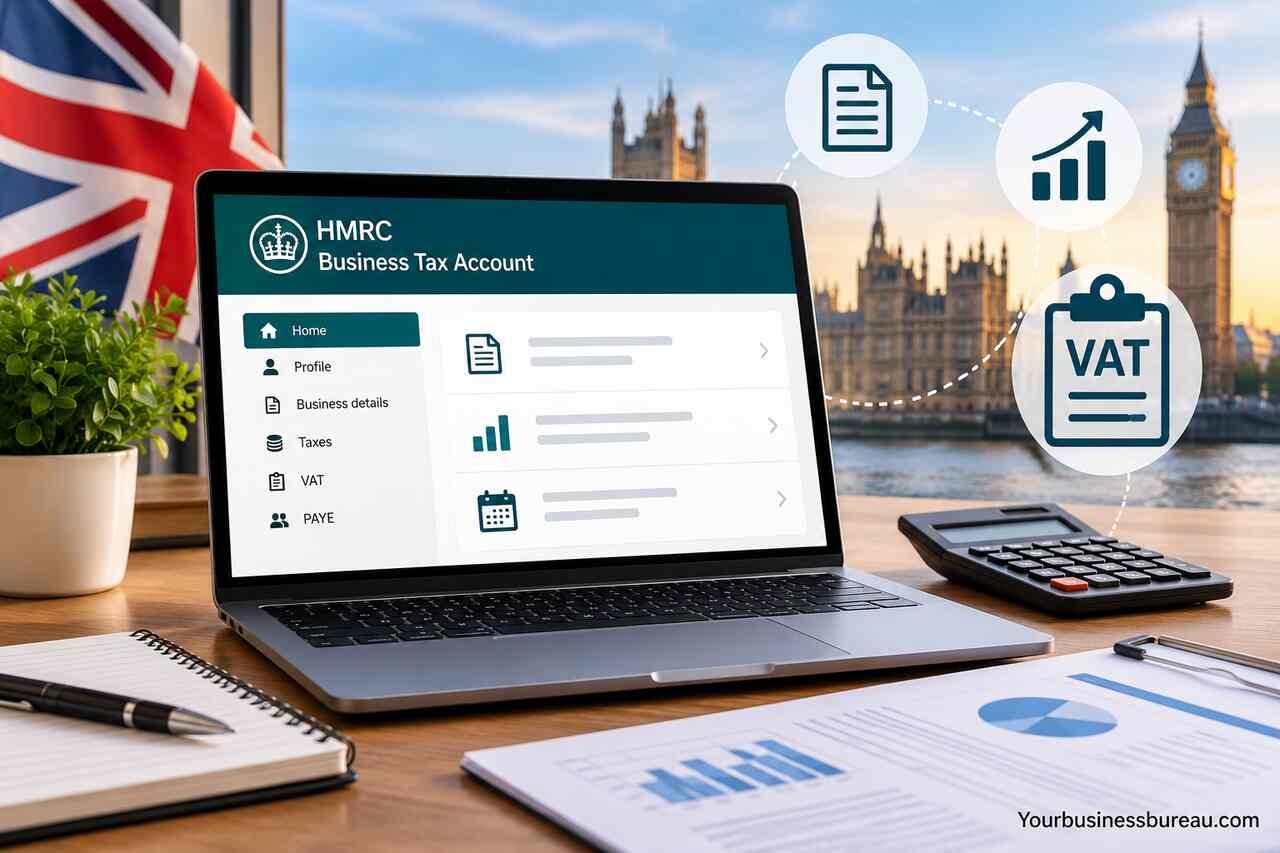
The HMRC Business Tax Account is an online service that helps UK businesses manage key tax responsibilities, including VAT, Corporation Tax, PAYE, and Making Tax Digital. It enables sole traders, partnerships, limited companies, and their accountants to monitor tax obligations, submit information, and manage compliance more efficiently as the UK tax system becomes increasingly digital.
Register and Access HMRC Business Tax Account via Government Gateway
The first step is creating access to the HMRC Business Tax Account through the Government Gateway system. This establishes your digital identity with HMRC and enables secure login.
To begin, businesses must register through the Government Gateway, which assigns a unique user ID and password. Once credentials are created, the system links your business tax records to your account. You may need your Unique Taxpayer Reference (UTR), National Insurance number, or company registration number depending on your business type.
This setup is essential because the HMRC Business Tax Account cannot be accessed without authentication. It acts as the central entry point for all tax-related services including VAT submissions, Corporation Tax filing, and PAYE management. Once registered, you can also grant access to accountants or agents for professional tax handling.
The integration between Government Gateway and HMRC ensures secure communication, encrypted data exchange, and verified identity access, making it a reliable digital infrastructure for UK businesses.
Set Up Your Organisation Profile and Business Tax Services
After logging in, the next step is configuring your organisation profile within the HMRC Business Tax Account. This involves adding business details such as trading name, registered address, and business type.
You will then activate relevant tax services. These may include VAT, Corporation Tax, PAYE, or Self Assessment depending on your business structure. Each service operates as a separate module within the same dashboard, allowing easy navigation and tracking.
This setup also determines what obligations your business must meet. For example, limited companies are automatically enrolled in Corporation Tax services, while employers must activate PAYE to manage employee deductions. Sole traders may primarily rely on Self Assessment services.
Proper configuration ensures HMRC receives accurate information about your business activity, reducing the risk of penalties or compliance issues. It also enables real-time updates on tax deadlines and payment schedules.
Connect VAT Registration and Making Tax Digital
One of the most important functions of the HMRC Business Tax Account is VAT management under Making Tax Digital (MTD). Businesses exceeding the VAT threshold must register and submit VAT returns digitally.
To connect VAT, you must first register for VAT through your account. Once approved, the system links your VAT number to your profile. After this, you can submit returns, view payment history, and manage VAT obligations directly through the dashboard.
Making Tax Digital requires compatible software that integrates with Government Gateway and HMRC systems. This ensures that VAT submissions are transmitted digitally rather than through manual forms.
VAT management also includes tracking input tax, output tax, and reclaimable expenses. Businesses benefit from automated calculations and reduced manual errors, making compliance more efficient and transparent.
Manage Corporation Tax Obligations and Filing Returns
Corporation Tax is a key responsibility for limited companies, and the HMRC Business Tax Account simplifies its management. Once your company is incorporated, Corporation Tax services are automatically added to your account.
You can view your accounting period, submit Company Tax Returns, and calculate tax liabilities directly within the platform. The system also tracks payment deadlines and provides reminders for upcoming obligations.
Corporation Tax filing requires accurate financial records, including profit and loss statements, balance sheets, and expense reports. Many businesses integrate accounting software to sync with HMRC systems for seamless submission.
This integration ensures compliance with UK tax law while minimizing manual reporting errors. It also provides transparency into how taxable profits are calculated and ensures businesses remain up to date with regulatory requirements.
Handle PAYE Payroll and Employee Tax Deductions

PAYE (Pay As You Earn) is essential for employers managing employee salaries and tax deductions. The HMRC Business Tax Account provides full access to PAYE services, allowing businesses to run payroll efficiently.
Through this system, employers can submit Real Time Information (RTI), calculate income tax, National Insurance contributions, and manage employee records. It also allows submission of monthly or quarterly payroll updates.
Setting up PAYE requires registering as an employer and linking employee details, salary structures, and tax codes. Once configured, the system automatically calculates deductions based on HMRC rules.
This ensures employees are taxed correctly and reduces administrative workload. It also helps businesses stay compliant with employment tax laws while maintaining accurate payroll records.
Submit Self Assessment for Business Owners
Self Assessment is primarily used by sole traders, freelancers, and individuals with additional income streams. The HMRC Business Tax Account integrates this service for easy submission and tracking.
Business owners must report income, expenses, and taxable profits annually. The system allows users to input financial data, calculate tax owed, and submit returns electronically.
Self Assessment also includes payment tracking, allowing users to see outstanding balances and payment history. This reduces the risk of missed deadlines or penalties.
The integration with HMRC ensures that all income sources are accurately reported, improving compliance and financial transparency for self-employed individuals.
Track Payments, Liabilities, and Tax Deadlines
One of the most valuable features of the HMRC Business Tax Account is its ability to track financial obligations in real time. Businesses can monitor tax liabilities, upcoming deadlines, and payment confirmations in a single dashboard.
This includes VAT payments, Corporation Tax installments, PAYE deductions, and Self Assessment balances. The system provides alerts and reminders to help avoid late submissions.
Tax Services Overview
| Tax Service | Purpose | Who Uses It | Submission Frequency |
| VAT | Sales tax reporting | VAT-registered businesses | Quarterly |
| Corporation Tax | Tax on company profits | Limited companies | Annual |
| PAYE | Employee tax deductions | Employers | Monthly/Quarterly |
| Self Assessment | Personal business income tax | Sole traders | Annual |
This structured visibility helps businesses maintain financial discipline and avoid penalties. It also enables better cash flow planning and forecasting.
Resolve Errors, Notifications, and Compliance Issues
Errors and compliance issues can arise due to incorrect submissions, missing information, or mismatched records. The HMRC Business Tax Account provides diagnostic tools and notifications to help resolve these issues.
Users receive alerts when submissions are rejected or require correction. The system also highlights missing data or inconsistencies in financial records.
Common issues include incorrect VAT calculations, late PAYE submissions, or missing Corporation Tax information. Each issue is accompanied by guidance for correction.
Common Issues and Solutions
| Issue | Cause | Solution |
| VAT submission error | Incorrect figures | Review accounting records |
| PAYE mismatch | Wrong employee tax codes | Update payroll system |
| Corporation Tax delay | Missing financial data | Upload complete accounts |
| Login issues | Incorrect credentials | Reset Government Gateway login |
By actively monitoring notifications, businesses can maintain compliance and avoid financial penalties.
Secure Your Account and Manage Authorised Agents
Security is a critical component of the HMRC Business Tax Account. Businesses must ensure their login credentials and tax data are protected from unauthorized access.
Users can enable two-factor authentication and regularly update passwords to improve account security. Additionally, access can be granted to authorised agents such as accountants or tax advisors.
These agents can manage tax submissions, review financial data, and communicate with HMRC on behalf of the business. Permissions can be customised to restrict or allow specific actions.
Security management ensures compliance with data protection regulations and prevents unauthorized tax filing or financial manipulation.
Integrate Accounting Software and Digital Tax Tools
Modern businesses often integrate third-party accounting software with their HMRC Business Tax Account to streamline financial management. This includes tools that support Making Tax Digital compliance and automatic tax calculation.
Software integration allows real-time syncing of financial transactions, reducing manual data entry and improving accuracy. It also ensures faster submission of VAT returns and payroll updates.
Many systems are designed to work directly with HMRC APIs, allowing seamless communication between business accounts and government systems. This reduces administrative burden and enhances reporting efficiency.
Conclusion
The HMRC Business Tax Account is a powerful digital system that centralizes all UK business tax obligations into a single platform. Managed by HM Revenue & Customs, it enables businesses to handle VAT, Corporation Tax, PAYE, and Self Assessment efficiently while maintaining compliance with modern tax regulations.
By integrating Government Gateway access, digital filing systems, and Making Tax Digital requirements, the platform simplifies complex tax processes. Businesses benefit from improved accuracy, automated tracking, and reduced administrative workload.
Proper use of the HMRC Business Tax Account ensures financial transparency, legal compliance, and long-term operational efficiency for businesses of all sizes.
FAQ’s
It is used to manage VAT, Corporation Tax, PAYE, and other UK business tax obligations in one digital platform.
You access it through the Government Gateway using your registered credentials.
Yes, you can authorise agents such as accountants to manage your tax submissions.
Yes, VAT registration, submission, and payment tracking are fully integrated.
You may receive penalties or interest charges, and the system will notify you of overdue payments.
Yes, compatible accounting software is required to submit digital tax returns under MTD rules.
