

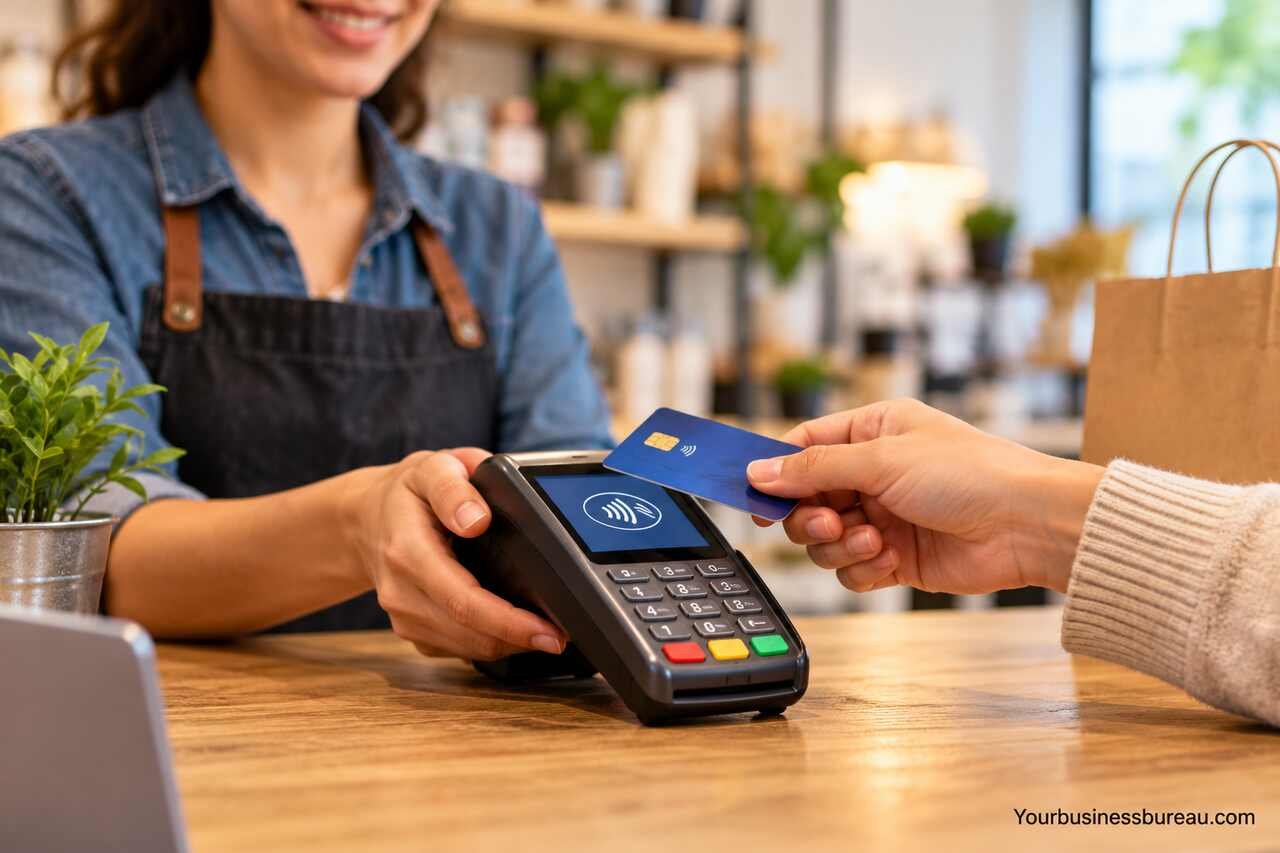
A card payment machine for small businesses allows you to accept debit cards, credit cards, and contactless payments without relying entirely on cash. The right machine can make checkout faster, simplify transaction records, and give customers more ways to pay.
What Is a Card Payment Machine for Small Business?
A card payment machine is an electronic device that processes payments made using debit cards, credit cards, and supported digital wallets. It is commonly called a card reader, payment terminal, POS terminal, or chip-and-PIN machine.
When a customer presents a card or compatible mobile wallet, the machine securely communicates with a payment processor to request authorization. If the transaction is approved, the business receives confirmation, and the funds are transferred through the payment provider’s settlement process.
Most modern machines support several payment methods:
- Chip-and-PIN payments: Customers insert their cards and enter a PIN when required.
- Contactless payments: Customers tap compatible cards against the terminal.
- Mobile wallet payments: Customers use supported wallets such as Apple Pay or Google Pay.
- Magnetic stripe payments: Some terminals support swiping cards where this method remains available.
Not every terminal supports every payment method, and availability varies by country, payment provider, and card network.
A small retail shop may need a countertop terminal connected to its till, while a mobile service provider might prefer a lightweight card reader that works with a smartphone.
Types of Card Payment Machines for Small Businesses
Card payment machines come in several designs. Understanding how they differ helps you avoid paying for equipment that does not match your daily operations.
1. Countertop Card Payment Machines
Countertop terminals are designed for businesses that accept payments from a fixed checkout location. They typically connect through Ethernet, Wi-Fi, or another supported network connection.
These machines are commonly used in grocery stores, convenience shops, salons, and retail outlets.
Many countertop models offer a physical keypad, contactless payment capability, and receipt printing. Some can connect directly to a point-of-sale system, allowing transaction amounts to transfer automatically from the till.
Their main limitation is mobility. A fixed terminal is less convenient for businesses that take payments at tables, outdoor locations, or customer premises.
2. Portable Card Payment Machines
Portable payment terminals allow employees to accept payments away from a fixed checkout counter.
They generally use Wi-Fi, cellular connectivity, or both, depending on the model.
Restaurants, cafés, market stalls, and service businesses often benefit from portable machines because staff can bring the terminal directly to customers.
Some portable terminals include rechargeable batteries and built-in receipt printers. Others provide digital receipts through email or text message.
Battery life, wireless coverage, and charging requirements should be checked before purchasing.
3. Mobile Card Readers
Mobile card readers are compact devices that connect to a smartphone or tablet, usually through Bluetooth.
They are particularly suitable for sole traders, freelancers, home-based businesses, and businesses with relatively low transaction volumes.
A mobile card reader usually requires a compatible payment application to process transactions. The application may also provide digital receipts, sales reports, and basic transaction management.
Although mobile readers often have lower upfront equipment costs, the total cost depends on processing fees and any additional subscription charges.
4. Smart POS Terminals
Smart POS terminals combine card payment processing with additional business management functions.
Depending on the provider, these devices may support:
- Inventory tracking
- Product catalogs
- Sales reporting
- Staff accounts
- Customer receipts
- Refund management
- Tipping
- Integration with accounting or POS software
They are useful for businesses that need more than basic card acceptance.
However, advanced terminals may involve higher equipment costs, monthly software subscriptions, or additional service fees.
5. Tap-to-Pay on Smartphones
Some payment providers allow compatible smartphones to accept contactless payments directly without a separate card reader.
This technology is often called Tap to Pay on iPhone or Tap to Pay on Android.
It can be attractive for businesses that want to minimize equipment costs, particularly mobile professionals and occasional sellers.
Availability depends on the country, smartphone model, operating system, payment application, and provider. It may also be unsuitable for businesses that regularly need printed receipts or support for card payment methods beyond those accepted by the application.
Comparing Different Card Payment Machines
The following table summarizes the main differences between common payment solutions.
| Machine Type | Best For | Main Advantages | Main Limitations |
| Countertop terminal | Fixed retail checkouts | Stable setup, POS integration, optional receipt printing | Limited mobility |
| Portable terminal | Restaurants and cafés | Wireless payments, customer-facing checkout | Charging and connectivity requirements |
| Mobile card reader | Freelancers and small traders | Compact, relatively low equipment cost | Usually depends on a phone or tablet |
| Smart POS terminal | Growing retail and hospitality businesses | Sales tools, reporting, inventory features | Potentially higher total costs |
| Smartphone Tap to Pay | Mobile businesses and occasional sellers | No separate reader required | Device and provider restrictions |
For a business processing only a few card transactions daily, a mobile reader may be sufficient. A busy shop handling continuous transactions may benefit from a dedicated terminal with stronger POS integration.
How Much Does a Card Payment Machine Cost?
The cost of a card payment machine depends on the equipment, payment provider, transaction volume, and contract structure.
Some providers sell terminals outright, while others offer rental agreements or include equipment as part of a monthly payment plan.
The advertised machine price is only one part of the total expense.
Equipment and Setup Costs
Payment providers may charge an upfront purchase fee, a one-time activation fee, or a monthly rental charge.
Basic card readers are generally less expensive than advanced smart terminals with touchscreen displays, receipt printers, and integrated software.
Some providers offer discounted or subsidized hardware, but these offers may come with contractual conditions or minimum processing requirements.
Transaction Processing Fees
Transaction fees are often the largest ongoing cost of accepting card payments.
Providers commonly use one of three pricing structures:
Flat-rate pricing: The provider charges a fixed percentage, sometimes plus a fixed amount, for each transaction.
Interchange-plus pricing: The provider charges the underlying interchange and card network fees, plus a disclosed processing markup.
Custom or blended pricing: The provider offers a negotiated rate or a combined pricing structure that may vary by transaction type.
The actual fee can depend on the card type, country of issue, payment method, and whether the card is physically presented.
Additional Fees to Check
Before signing up, ask whether the provider charges for monthly account maintenance, PCI compliance services, chargebacks, refunds, early termination, replacement equipment, or faster settlement.
Some providers include these services in their standard pricing, while others charge separately.
Best Card Payment Machine Providers to Consider
Several established payment providers offer card acceptance solutions for small businesses. Availability, equipment, pricing, and eligibility vary by country.
Square
Square offers card readers, payment terminals, and POS software for supported markets.
Its ecosystem includes tools for transaction management, inventory, sales reporting, and business operations.
Square can suit small retailers, cafés, service providers, and businesses that want payment processing and basic management tools within one platform.
However, sellers should confirm local availability, supported payment methods, hardware compatibility, and the current fee schedule.
SumUp
SumUp provides payment readers and related merchant services in supported countries.
Its compact card readers can be suitable for small retailers, independent professionals, and mobile businesses.
Different products may offer standalone connectivity, smartphone pairing, or additional business management features.
Before selecting a device, compare equipment costs, processing fees, connectivity, and settlement arrangements.
Zettle by PayPal
PayPal POS provides in-person payment tools for eligible merchants.
Depending on the market, the service may support card readers, transaction reporting, and retail-oriented POS functions.
Businesses already using PayPal may find it useful to compare the company’s in-person and online payment offerings.
Product names, hardware availability, and account features can differ by region.
Clover
Clover offers POS terminals and software designed for retail, restaurants, and service businesses.
Its systems can support payment acceptance alongside functions such as inventory, employee management, and customer-facing checkout.
Clover may be suitable for businesses requiring a more integrated setup, but pricing and contractual conditions depend on the provider or reseller.
Review both the hardware agreement and merchant processing agreement before committing.
Stripe Terminal
Stripe Terminal supports in-person payments that can be integrated with compatible software and business systems.
It may appeal to businesses that already use Stripe for online payments and want to connect online and physical sales.
However, implementation requirements differ from a simple standalone card reader. Businesses may need compatible software or development support.
For all these providers, confirm country availability before comparing offers. A well-known international provider may not onboard merchants in your jurisdiction.
Features to Look for in a Small Business Card Payment Machine
The best payment terminal is not necessarily the one with the most features. It is the one that supports your normal checkout process reliably and at a reasonable total cost.
Contactless and Digital Wallet Support
Customers increasingly expect convenient tap payments where the technology is available.
Choose a machine that supports the card networks and contactless payment methods your customers commonly use.
For example, a shop serving international visitors may need broader card acceptance than a business serving mainly domestic customers.
Reliable Connectivity
Card terminals commonly connect through Wi-Fi, Ethernet, or mobile data.
If your business operates in a location with unreliable internet access, check whether the machine supports a backup connection.
Some providers offer offline payment functionality, but this introduces additional risks. Transactions may be declined later, and merchants may remain responsible for unsuccessful authorizations.
Offline acceptance should never be assumed to work like a fully authorized online payment.
Battery Life and Portability
For businesses that accept payments away from a fixed counter, battery performance matters.
A restaurant with table service may need a terminal that can operate throughout busy service periods. A market trader may need equipment that works without continuous access to electricity.
Check the manufacturer’s stated battery capacity and the practical charging arrangements rather than relying on marketing descriptions alone.
Security and Compliance
Choose payment equipment supplied or approved by a reputable payment provider.
Modern payment terminals use security technologies such as EMV chip processing and encrypted communications.
Businesses also have responsibilities under applicable PCI Data Security Standard requirements, although the exact obligations depend on how payments are processed and which systems handle cardholder data.
Never store customer card details in ordinary spreadsheets, messaging applications, or unsecured business records.
Integration With Business Software
A terminal that integrates with your POS or accounting system can reduce manual work.
For example, when a retailer enters a $45 sale in its POS software, an integrated payment terminal may automatically receive the amount.
Without integration, staff might need to enter the same amount again, increasing the possibility of mistakes.
Integration is especially valuable when multiple employees process payments or when accurate sales reconciliation is a priority.
Settlement Speed
Settlement refers to the process through which payment proceeds become available to your business.
Some providers offer standard settlement schedules, while others provide faster payout options for eligible merchants.
The timing can depend on banking arrangements, weekends, holidays, account verification, and transaction reviews.
Businesses with tight cash flow should compare actual payout schedules rather than assuming every provider deposits funds the next day.
How to Choose the Right Card Payment Machine
Selecting a machine becomes easier when you evaluate your business requirements in a consistent order.
Step 1: Estimate Your Monthly Card Sales
Start by calculating how much revenue you expect to receive through card payments.
Also estimate the number of transactions and average transaction value.
A business processing 50 large payments monthly has different cost considerations from a café processing 2,000 small purchases.
These figures help you compare fixed fees, percentage charges, and monthly subscription costs.
Step 2: Decide Where Customers Will Pay
Consider whether customers pay at a counter, at a table, at temporary locations, or at their own premises.
A fixed checkout generally suits a countertop terminal. Mobile operations are better served by wireless devices or compatible smartphone payment applications.
Step 3: Compare Total Provider Costs
Request the complete pricing schedule from each provider.
Calculate the expected monthly processing cost using your estimated transaction volume, then add equipment, subscription, and account charges.
If a provider requires a long-term agreement, include termination conditions in your comparison.
Step 4: Check Compatibility
Confirm that the machine works with your existing checkout software, internet connection, and supported banking arrangements.
If you use accounting software, ask whether sales and payment data can be synchronized automatically.
A terminal that requires repeated manual entry may create avoidable administrative work.
Step 5: Review Customer Support
Payment problems can interrupt sales, particularly during peak trading hours.
Check support availability, replacement procedures, warranty terms, and troubleshooting options.
A lower-cost machine may not represent good value if hardware failures regularly prevent you from accepting payments.
Step 6: Understand the Contract
Before accepting an offer, review the equipment ownership terms, minimum contract period, transaction pricing, payout schedule, and cancellation conditions.
If the equipment is rented, establish what happens when the agreement ends.
Do not assume that a terminal can be transferred to another payment processor. Many devices are configured for specific providers.
Which Card Payment Machine Is Best for Your Business Type?
Different businesses have different checkout needs. The following examples provide a practical starting point.
Retail Shops and Convenience Stores
A countertop terminal with POS integration is often suitable for retail businesses.
It can support consistent checkout operations and reduce the need to enter transaction amounts manually.
Businesses with multiple checkout stations should also consider whether each location needs its own terminal.
Restaurants and Cafés
Portable payment terminals are useful when customers pay at tables or different service points.
Restaurants may also benefit from tipping features, bill splitting, and integration with hospitality POS software.
Check whether these functions are included in the standard plan or require additional subscriptions.
Market Traders and Pop-Up Shops
A compact mobile reader or standalone wireless terminal is often practical for temporary trading locations.
Portability, battery life, and mobile network coverage should take priority over advanced inventory features.
Businesses operating in areas with weak reception should test connectivity before relying on the device.
Freelancers and Mobile Service Providers
Electricians, cleaners, beauty professionals, and other mobile service providers may prefer a smartphone-connected reader.
These devices allow customers to pay at the completion of a service without requiring a fixed checkout station.
If in-person payments are infrequent, payment links or bank transfers may also be worth considering.
Growing Businesses With Multiple Employees
A smart POS terminal may become more useful as transaction volume and operational complexity increase.
Staff permissions, product management, centralized reporting, and multiple terminal support can help businesses maintain consistent records.
However, these features should justify their additional cost.
How to Set Up a Card Payment Machine
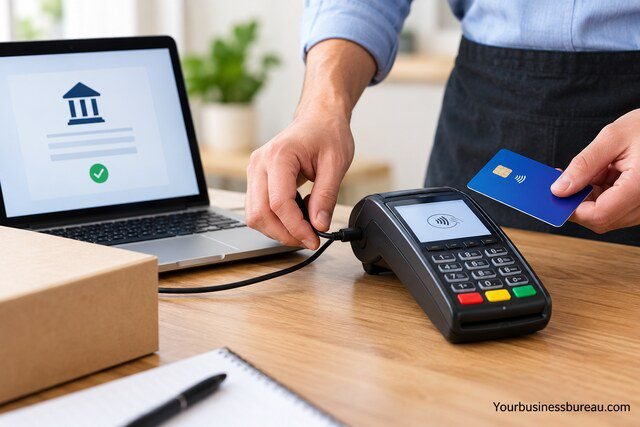
Setting up a card payment machine typically involves applying for a merchant account or payment service, connecting the equipment, and completing a test transaction.
Register With a Payment Provider
Choose a provider that supports businesses in your country and offers the payment methods you need.
The provider may request business registration information, owner identification, contact details, and settlement bank account information.
Requirements vary according to local regulations, business structure, and provider policies.
Complete Business Verification
Payment providers generally perform identity and business checks before enabling full payment services.
Additional documentation may be required for certain business activities or higher-risk industries.
Approval times vary, so avoid planning an important launch around an unconfirmed activation date.
Connect and Configure the Terminal
Follow the provider’s instructions to connect the terminal to Wi-Fi, Ethernet, mobile data, or a compatible smartphone.
Install any required updates and configure receipt preferences, tax settings, or POS integrations where applicable.
Use only official software and approved equipment.
Process a Test Payment
Once the account is active, complete a small authorized test transaction if your provider supports it.
Check that the payment appears correctly in your transaction history and that receipts display the expected business information.
If appropriate, verify the refund procedure as well.
Confirm Settlement and Reconciliation
Review your first completed payout to understand how gross sales, processing fees, refunds, and net deposits appear in your records.
This helps prevent confusion when the amount deposited into your bank account differs from the total card sales recorded at checkout.
Common Mistakes When Buying a Card Payment Machine
Small businesses sometimes focus too heavily on the advertised price of a card reader and overlook the wider costs of accepting payments.
One common mistake is choosing a provider solely because its transaction percentage appears low. Fixed charges, monthly fees, and contract conditions can make a seemingly cheaper offer more expensive.
Another mistake is buying equipment before confirming whether it works with the preferred payment processor. A secondhand or previously configured terminal may not be eligible for activation with another provider.
Businesses also underestimate the importance of reliable connectivity. A wireless terminal is convenient, but it still needs a dependable connection for normal payment authorization.
Finally, some owners fail to compare their card transaction records with bank settlements. Regular reconciliation helps identify missing payments, unexpected charges, refunds, and accounting discrepancies.
Card Payment Machine vs Online Payment Links
A physical card payment machine is not always necessary.
Businesses that accept occasional payments may be able to use payment links, invoices with payment options, or compatible smartphone contactless acceptance.
| Consideration | Card Payment Machine | Online Payment Link |
| Customer interaction | Usually in person | Can be remote |
| Equipment required | Usually a terminal or reader | Typically no physical terminal |
| Payment experience | Card tap, insert, or supported wallet | Customer opens a link and completes payment |
| Suitable businesses | Shops, cafés, in-person services | Freelancers, remote services, invoice-based businesses |
| Transaction pricing | Depends on provider and card type | May differ from in-person pricing |
| Main limitation | Equipment and connectivity requirements | Customer must complete the payment online |
Online payment links can be useful for deposits, advance bookings, and remote invoices.
However, businesses with regular in-person customer traffic may find a physical terminal more convenient because customers can complete payments directly at checkout.
Some businesses benefit from offering both options.
How to Reduce Card Payment Processing Costs
Reducing payment costs does not necessarily mean choosing the lowest advertised rate.
A more effective approach is to review the full payment arrangement and identify charges that do not provide sufficient value.
Start by comparing providers using your actual monthly transaction count and sales value. This reveals whether a flat-rate, subscription-based, or negotiated pricing structure is more suitable.
Next, review whether you genuinely need advanced POS subscriptions, additional terminals, or premium settlement services.
Businesses with substantial transaction volumes may also be able to request custom pricing, although approval and potential savings depend on the provider.
Avoid practices that violate card network rules or local consumer protection requirements. Any card surcharge or minimum transaction policy must comply with the rules applicable to your business.
Conclusion
Choosing the right card payment machine for small business comes down to matching the equipment with your payment volume, checkout environment, and operating budget.
A mobile card reader may be enough for a freelancer or small market trader, while a busy retail shop may benefit from a countertop terminal integrated with its POS system. Restaurants and growing businesses may need portable or smart terminals with additional functionality.
Before making a decision, compare the total cost of processing payments, check provider availability, confirm compatibility, and review settlement schedules and contract terms.
The best card payment machine is one that lets customers pay conveniently, keeps transaction costs manageable, and supports your business without introducing unnecessary complexity.
FAQ’s
Yes. Some providers offer card readers without a mandatory monthly subscription, charging transaction fees instead. You may still need to purchase the equipment, and additional services can carry separate charges. Check the provider’s full pricing terms before signing up.
You generally need an eligible account to receive payment settlements. Whether that must be a dedicated business bank account depends on the provider, country, and legal structure of your business. Registered companies may face different requirements from sole traders.
Yes. Some terminals use mobile data or Ethernet instead of Wi-Fi. Certain providers also support limited offline transaction functionality, but these payments can involve additional risk and restrictions. Confirm the supported connectivity methods before buying.
Settlement timing depends on the payment provider, banking system, merchant eligibility, and transaction status. Some providers offer relatively fast payouts, while others use longer settlement schedules. Weekends, holidays, account reviews, and optional faster-payout services may affect timing.
This depends on the payment provider and terminal configuration. Some systems support multiple merchant accounts or business locations, while others require separate terminals or account arrangements. Payments should be processed under the correct registered merchant account.
Buying may be more economical over time when the equipment is reasonably priced and the business expects to use it for several years. Renting can reduce initial expenditure and may include support or replacement services. Compare the total cost over the intended period, including any contract obligations.
