

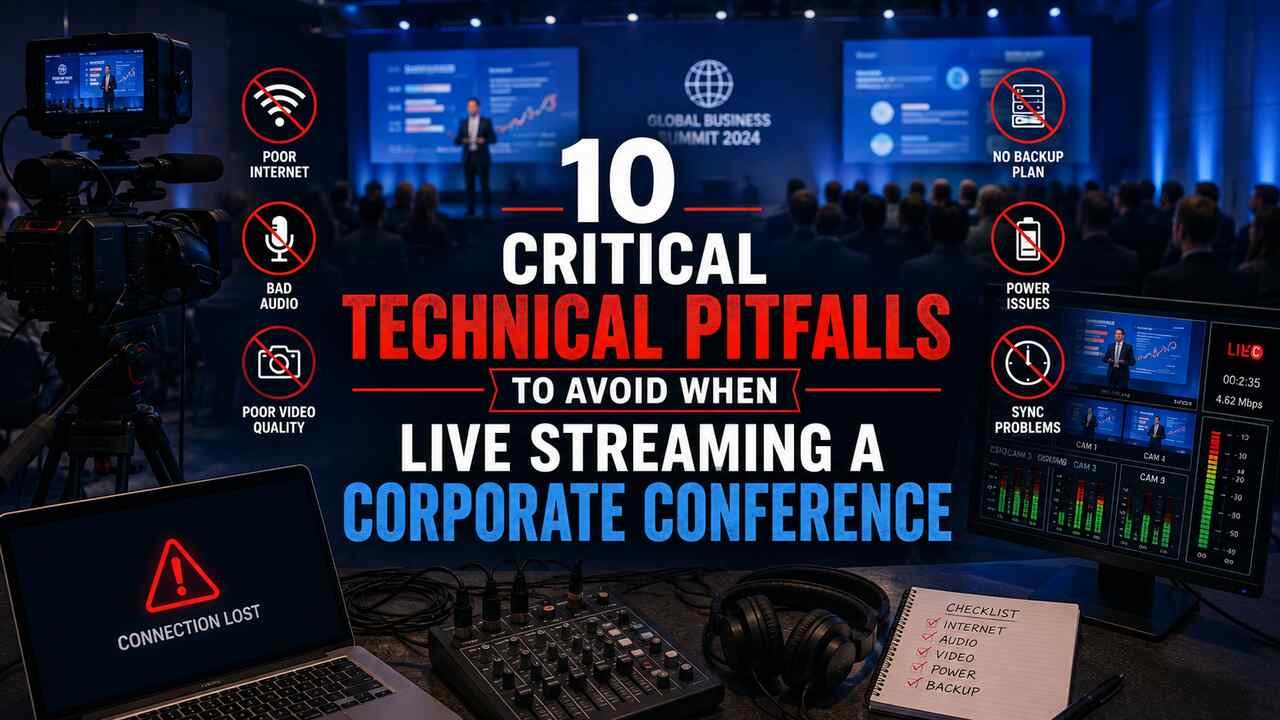
Many corporate teams treat live streaming as a value added, an enhancement to a well planned, budgeted, and rehearsed event. It should be the other way around. The event room may be perfectly fine, but the stream still fails and it is almost always technical issues, not creativity, that are to blame.
Facebook’s own stats show that live video gets 6 times more interaction than a regular video post. This is what is causing so many organizations to risk it without knowing what or where the risk really is.
We’ve produced enough events to know them by heart. They repeat. They are predictable. And almost none of them get caught before it’s too late to correct them live.
The Wi-Fi you’re counting on isn’t built for this
The Wi-Fi at the venue is for guests that check their emails and access a scheduling app, not for someone who consistently uploads 6 Mbps of data over three hours. It’s meant for a quick download speed test without issues, then crashes as soon as 200 guests plug in their phones and your stream upload is trying to share that same pipe.
This is not a hard problem to solve, but it’s on you to solve it: run the encoder off a dedicated wired connection, and confirm that connection with a sustained upload test during setup, not a five second, five cent test the night before. And while you’re there, it doesn’t hurt to ask the venue straight up if your production upload is separate from guest Wi-Fi. If they can’t answer, it isn’t.
Do the bitrate math before doors open
To have a 1080p/30 stream that’s running an encode of roughly 6 megs you need to have a guaranteed uplink of at least 10 to 12 megs where nothing else is talking. And if you think the extra 4 megs is padding, you haven’t been in this game long enough. That’s there to cover network jitter, packet loss, and the inevitable spike when someone on the same switch starts a video call while your show is live.
This number has to be tested, in the actual location you will be webcasting from, with the actual connection you’re going to use. This has to happen before the doors open. Not the week before via email. Not based on what’s in the venue’s sales brochure. We’ve seen a team get a “yes it’s gig-e here” the week of from the venue, and then find out “we meant shared between them, oh and the guests in the hotel…”
One connection is one point of failure
Imagine this: a live stream abruptly ends due to a brief internet outage and no one in the room realizes it because the room’s audio and lighting systems continue to work normally. Viewers are left watching a spinning icon until they eventually abandon the stream.
Redundancy shouldn’t be seen as an optional feature to consider after you’ve purchased everything else you need, it’s more like an insurance policy. Network bonding, for example, is a technology that lets you combine a wired ethernet link with cellular LTE or 5G, spreading your risk so that a single failure doesn’t lead to the entire stream crashing. At the very least, pro gear will use dual-WAN with automatic failover. If your entire master plan for production involves a single connection from the venue to the internet you don’t have a stream plan, you have a hope.
Audio from the board, not the cameras
The most typical quality issue that arises during a corporate stream is not having a good camera angle, but rather using the poor room audio that is captured on a camera with a built in microphone. The audio is muddled and echoey because that’s essentially what a built in mic recording from across the room sounds like.
The solution is to get a clean feed straight from the venue’s audio console or XLR or aux send. This feed must be gain staged for the encoder and not for the room speakers. This will not be possible unless you communicate this with the sound engineer beforehand. This requires preparation before the rehearsal. Otherwise, the rest of the production will lose quality even if the visuals are excellent.
Slides need their own path into the encoder
Presentation content is often the main draw for a remote viewer, as it should be, and so often that’s utterly ruined by simply capturing it badly. If you just point a webcam at the projection screen or grab a lossy wireless mirror of the laptop screen then all the nice crisp text is unreadable mush to everyone watching the stream.
You need to take the output of the presenter’s laptop as a video source in its own right, direct from the laptop, over HDMI or preferably SDI. The laptop itself should be configured to output its video port at a fixed 1920×1080 rather than left to flounder around in whatever auto-sense default it picks. Then that laptop video output is one of the sources your vision mixer can switch to the livestream along with your camera inputs. Miss this step and your remote viewers have to muddle through with a compressed talking head pointed at a slide.
Encoder settings that match the platform, not just the manual
Each streaming platform, whether it’s YouTube Live, Vimeo, or Facebook Live, provides optimal encoder settings. This includes precise keyframe intervals, bitrate ranges, and codec specifications. These details are not to be taken lightly. A keyframe interval that is off or a frame rate that is not supported leads to buffering and player issues, and no amount of additional bandwidth can resolve the issue in real-time as the signal is not the cause of the problem, the issue resides in the format used to send the signal to the platform’s server.
Regardless if you are using a hardware or software encoder (e.g., Teradek, OBS, or vMix) the settings must be carefully configured based on the specific destination, not a general “streaming preset.” The protocol you use is also important. For instance, SRT is better at handling errors on a shaky connection than the older RTMP ingest. If your venue’s network connection is not stable, the quality of the stream will suffer.
Latency will break your Q&A plan if nobody accounts for it
It is common to have a stream latency of 30 to 60 seconds between the physical room and the online audience. But what should not come as a surprise to your client is them realizing that this is the case during an event, because a remote viewer’s question comes in chat a full minute after the moderator’s already moved on. If you don’t have someone monitoring and feeding chat questions to the presenter with intentional timing there simply is not a reasonable way to do live Q&A. It just becomes an aural trainwreck of people screaming over themselves.
That has to be a pre-event discussion. Who is watching chat? How are questions being passed along to the room? How many seconds do they need to pass that question along adjusted for stream latency? Discuss and plan.
The rehearsal nobody wants to pay for
Every failure above is survivable if it gets caught before the event goes live. That’s what a full technical rehearsal is for: an actual end-to-end test on the real network, the real encoder settings, the real resolution, pushed to the real platform ingest server. Not a test on the hotel Wi-Fi from your office the week before. Not a “we’ve done this a hundred times” assumption.
This is also where power redundancy gets tested, not discovered as a problem. A UPS on the production stack means a venue electrical trip doesn’t silently end your broadcast with no warning and no recovery path. We’ve seen a breaker flip take down an entire production because nobody thought to check what circuit the gear was actually plugged into. Rehearsal is where that gets caught, not the live show.
Someone needs to be watching, and something needs to happen when it breaks
Once you’re live you’ll need the production team equivalent of a confidence monitor, a separate device that’s watching the actual delayed stream the audience sees, not just the clean feed off the switcher. That’s the only way you catch a dropped stream, a frozen frame, or garbled audio before your comments section does it for you. Pair that with a kill switch and a pre-built slate to cut to, so a failure produces a graceful pause instead of dead air or, worse, an accidental cut to something nobody wanted broadcast.
This is usually the point where your internal team realizes the stakes are higher than their in-house AV setup can cover. One person running slides, watching the switcher, and troubleshooting a network issue at the same time isn’t a production plan, it’s a gamble.
When the event is big enough that a failure would actually hurt the company, whether that’s a shareholder call, a product launch, or a conference with a paying remote audience, it’s worth bringing in a dedicated crew rather than stretching internal AV thin. That’s usually the point where companies start looking specifically for live streaming services in Orlando with actual conference production experience, rather than a general videographer who’s added ‘streaming’ to a service list. The difference shows up in exactly the pitfalls listed above: bonded connections, board-fed audio, rehearsed failover, someone dedicated to just watching the confidence monitor.
Accessibility isn’t a checkbox you add at the end
Automatic captioning delays are especially annoying because they compound whatever latency the stream already has. By the time those captions render, they can be trailing well behind both the live room and the delayed video playback. If you’re capturing streams in a corporate environment that require human captioning you want that caption stream to be part of the production workflow, not something bolted on after you’ve finalized your encoding and capture settings.
Your VOD requirements also dictate this. If you’re capturing a clean simulcast feed for post-event distribution and content repurposing, that feed should be the cleanest one without chat overlays or caption burn-in, because those quickly date the content. Fixing captions after the fact on a recorded asset is far more expensive than planning the offset before you go live.
What this actually adds up to
All of these ten failure points are mundane. They are the same basic problems that crop up conference after conference: terrible network assumptions, camera mic audio, mismatched encoder settings, no rehearsal, no one is actually watching the stream. The solution to almost all of them is the same: treat the technical execution with the same diligence as you treat the content on stage, test on the real thing before it’s live, and have a plan for when something breaks anyway. The teams who got away unscathed did so because they assumed it would happen and planned around it from the get-go.
For more Informative articles please visit yourbusinessbureau.
