

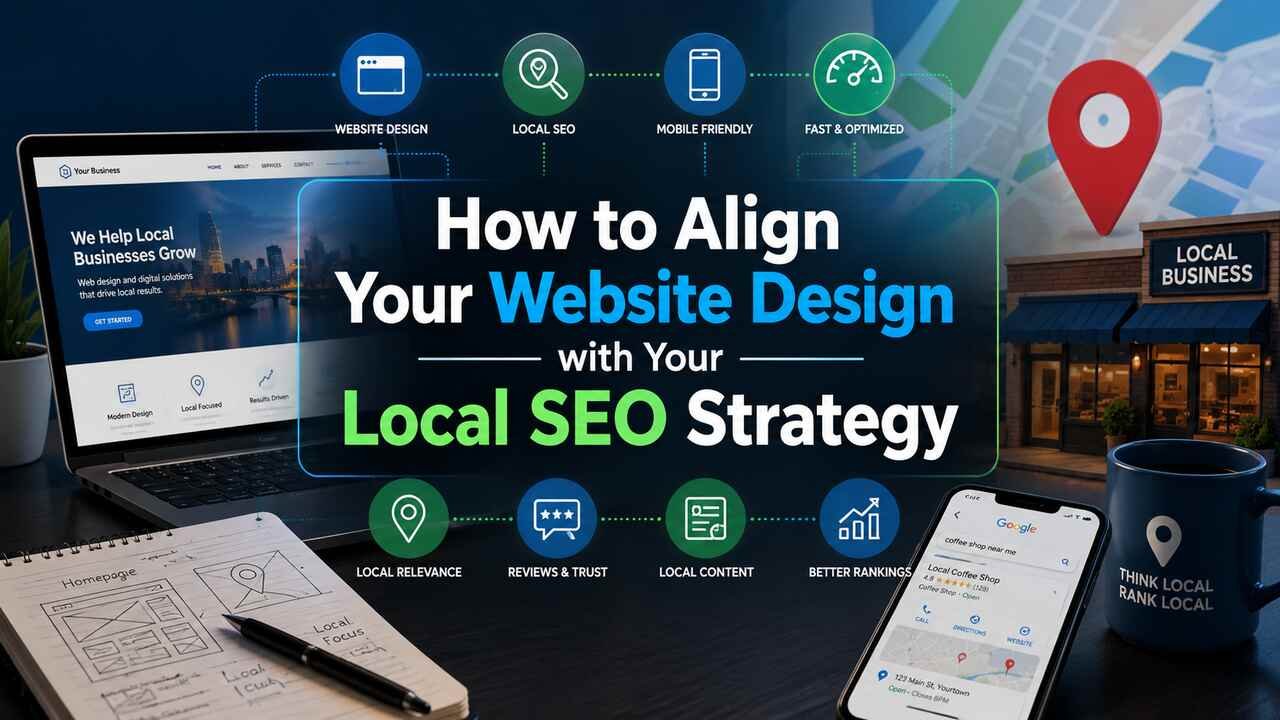
A lot of the advice out there regarding local SEO makes it seem as though your website’s design and its ability to rank well on search engine results pages are two separate things that only converge after a proper keyword-focused style of a site has busbeen put in place. In reality, though, a site’s design, performance, and overall structure are not only critical to how a business ranks in local search but also unique ranking signals that could be the tie-breaker when it comes to competing with businesses across the street.
Build the hero section for local intent, not brand storytelling
Many homepages start with a large image and a generic tagline. This is a missed opportunity. The hero section, which is the first thing that a visitor and the Google bot encounter, needs to answer these three questions right away: what is your service, where do you serve, and how can someone contact you immediately?
Therefore, your service, city, phone number, and hours should all be above the fold – not hidden in the footer after three scrolls. This is not only beneficial for the visitor, but search engines also take the on-page content close to the top of a page as a high relevance signal for local search. A hero section like “Family-owned plumbing serving Monterey since 2004, open 24/7” does more local SEO than a paragraph of hidden, keyword-stuffed text.
Design for mobile first, because Google already does
Google search organizes and displays results based on your site’s mobile version. If the mobile experience is poor, your site will rank lower, and it doesn’t matter how appealing your desktop version is. For local search, 76% of visitors will physically visit the business within a day; and 28% of local mobile searches result in a purchase. This means that 3 out of 10 customers are driving around, ready to buy, and choosing the business with a responsive mobile site.
Treat page speed as a template decision, not a plugin fix
Core Web Vitals are not some abstract concepts, they are very clear and important ranking factors, and are almost entirely influenced by decisions taken about your site’s design and development well before you decide to start a blog. The Largest Contentful Paint needs to render under 2.5 seconds. The Interaction to Next Paint needs to be kept under 200 milliseconds. The Cumulative Layout Shift should be under 0.1. Your homepage must be perfectly still as users scroll, not jittering as images and fonts load in.
The clients we’ve consulted over the years who have the most problems here all mistakenly made the same decision: they chose some dense heavy graphical theme with 57 sliders and parallaxes and try to tell their developers to make it faster using a caching plugin. It’s a lipstick on a pig situation. A modern, lightweight theme with properly compressed images and a minimum of render-blocking scripts will always outperform a “reputable” designer.
This is real money. Google’s research with SOASTA found that 53% of visits are abandoned on mobile devices if a page takes longer than three seconds to load. Your bounce rate isn’t 53%. That’s an emergency customer who came up in a flat Google search for a locksmith in the next twenty minutes.
Make NAP consistency a structural feature, not a content task
Ensuring that your Name, Address, and Phone Number (NAP) are consistent across all your online listings is important for local SEO. This is achievable by making sure your webmaster adds this information to every page on your website, but this can lead to errors if it ever needs to be changed. The better option is to ensure this information is present in your HTML template so that it automatically appears exactly the same way on each and every page. This is also the case if you ever build more landing pages for your website.
That NAP data needs to match your Google Business Profile exactly – same abbreviations, same suite number formatting, same phone number format. Search engines cross-reference this information, and mismatches create doubt about which listing is authoritative. When your template handles it structurally, consistency stops being a task and becomes a default.
Build schema markup into the design phase, not after launch
Many think of LocalBusiness structured data as an SEO afterthought. It’s something that may not be considered until after a site is live, only to be added using some plugin. At that point, it’s often not revisited. And I get it, sometimes developers and owners may think “oh structured data, that’s just location and opening hours, right?” But of course, we know it’s so much more!
Structured data isn’t just about playing nice with search engines, it’s about giving them the information they need to achieve a given user outcome. It should be treated with more consideration. If you want correct, brand-supported details feeding into Google’s knowledge panels or making your site eligible for the super valuable location extensions for mobile ads, then structured data should be a consideration in the initial build, not as an afterthought.
Design a real page hierarchy for locations and services
If you serve more than one neighborhood, city, or service area, your site architecture needs to reflect that from the start, not get retrofitted later with a handful of thin pages nobody links to. Each service-and-location combination deserves its own page, with a clean URL structure like /services/roof-repair-monterey/, unique local content, and its own embedded map.
This is where a lot of otherwise solid websites fall apart. A generic “Locations We Serve” page with a bulleted list of city names isn’t a location strategy. It’s a placeholder. Search engines want to see genuinely useful, differentiated content for each geo-targeted query, and a thin page with duplicated copy across five cities won’t earn rankings in any of them.
This is also where working with a designer who actually understands your service area pays off. A business serving a defined geographic footprint gets better results from a provider who understands the character of that market, rather than a generic template swapped with a new city name. That’s the reasoning behind why so many businesses in this region turn to custom website design for Monterey businesses instead of a one-size-fits-all builder: the layout, imagery, and page structure can reflect the actual neighborhoods, landmarks, and search behavior specific to that area, rather than guessing at what a “local” page should look like.
Use real photography, not stock images
Using stock photos can hurt your brand because people can tell when they are being deceived by inauthentic images. Customers and clients value honesty and realness, and stock photos can come off as insincere. In a consumer’s mind, images should ideally represent the product or service in real life. It creates dissonance when, for example, a small family-owned business uses stock photos of models, instead of displaying an image of their actual family and workforce.
Real images of your storefront, your team, and the neighborhoods you serve do more than look better. They’re a source of authenticity a competitor can’t easily copy. Anyone can buy the same stock photo license. Nobody else has a picture of your actual crew standing in front of your actual shop on your actual street. That specificity is a design asset, and it’s one most competitors skip because it takes more effort than downloading a stock library subscription.
Put conversion elements where local intent peaks
Local search users tend to make more conversions than regular web traffic. Many of them search with the intention of taking immediate action. Often, they use their mobile phones to search for you and are prepared to call you right away. Your design must cater to their intent when it’s most relevant. That’s why a “click-to-call” button is important. It should be easily accessible and functional, not just displaying your phone number as plain text.
Another essential element is a sticky mobile CTA that remains visible even as a user scrolls through your service descriptions. This ensures that the option to contact you is always visible. The button to call can be the element that generates the highest conversion rate on a page, and if you do it right, there’s no extra cost. It’s just about convincing the design team to pay more attention to this detail instead of relegating it to some corner of the site.
Trust signals are important at this stage too. Google reviews and local trust badges should be positioned next to your contact information. This reinforces your visitor’s trust at the exact moment when they are about to contact you. This is not just a conversion strategy. When displayed correctly, you meet requirements for structured data and review results – an effective way to build trust with humans and robots at the same time.
Don’t ignore internal linking architecture
A clean, logical internal linking structure is beneficial in two ways: it makes it easier for visitors to find related services and location pages with a few clicks, and it helps search engines figure out what your site’s about and which pages are most important. If you have service pages covering all your key offerings and pages for every city and town in your area, but the right links aren’t in place, your site’s overall structure isn’t going to help you nearly as much as you might think.
Link from your homepage to your primary service and location pages. Link between related location pages when it makes sense contextually. A visitor reading about your Pacific Grove service page should be able to find your Carmel page in two clicks, not by starting over at the homepage.
Design decisions compound
No one thing will improve your local search ranking. A great website only helps your ranking if the search engines know where to slot you in the local results. Perfect local schema only helps your ranking if visitors engage with the content and convert. Fast load speeds only help your rankings if the site fulfills the intent of the visitor who is expecting to see content that matches the rich image results that got you ranked locally.
