

Introduction
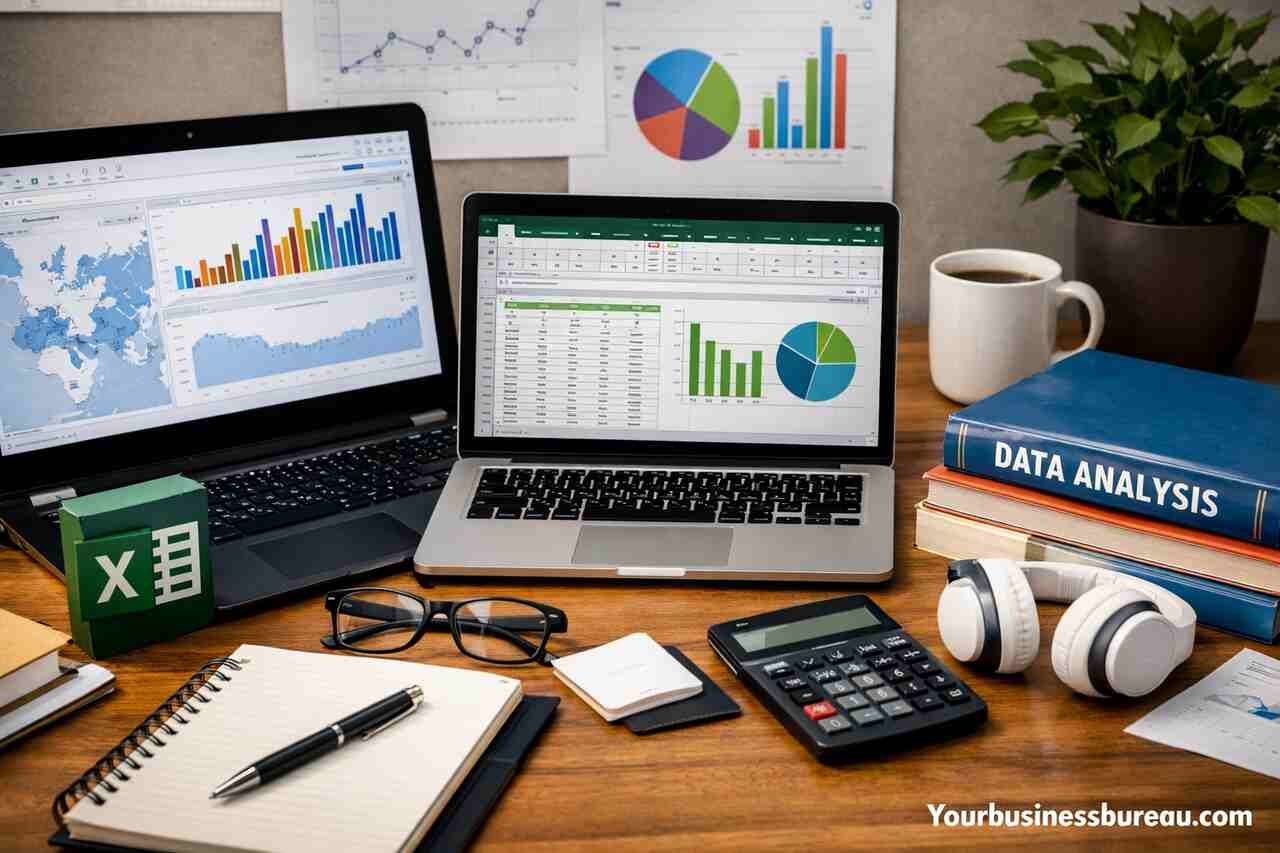
Data analysis has become one of the most valuable skills in today’s digital economy. Whether you’re aiming for a career in business intelligence, marketing analytics, or finance, mastering tools like Microsoft Excel and Tableau can open countless opportunities.
In 2026, employers are not just looking for basic spreadsheet knowledge – they want professionals who can extract insights, visualize data, and make data-driven decisions. That’s why choosing the right courses is essential.
This guide explores the top 7 Excel and Tableau courses that can help you build strong, job-ready data analysis skills.
Why Learn Excel and Tableau in 2026?
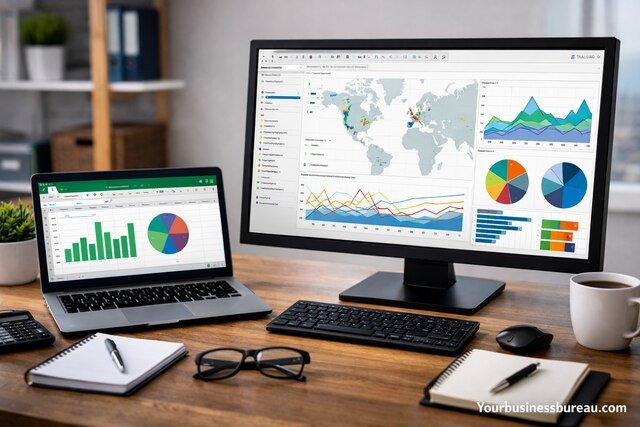
Before diving into the courses, it’s important to understand why these tools remain essential:
- Excel is still the backbone of data handling, used in almost every industry
- Tableau enables powerful data visualization and storytelling
- Together, they cover both data preparation and presentation
- High demand across roles like Data Analyst, Business Analyst, and Financial Analyst
Top 7 Excel and Tableau Courses for Data Analysis
Excel Skills for Business Specialization – Coursera
This course is ideal for beginners and intermediate learners. It covers everything from basic formulas to advanced data analysis techniques.
Key Features:
- Data cleaning and preparation
- Pivot tables and dashboards
- Real-world business scenarios
Best For: Beginners looking to build a solid Excel foundation
Microsoft Excel Data Analysis and Visualization – edX
Offered with guidance from Microsoft, this course dives deeper into analytics.
What You’ll Learn:
- Advanced formulas and functions
- Data modeling basics
- Visualization using charts and graphs
Best For: Professionals who want to upgrade Excel skills for analytics
Tableau Data Analyst Professional Certificate – Coursera
This is one of the most comprehensive programs focused on Tableau.
If you’re serious about mastering visualization, enrolling in a professional tableau course like this can significantly boost your career prospects.
Highlights:
- Data storytelling techniques
- Dashboard creation
- Real-world projects
Best For: Aspiring data analysts and BI professionals
Data Visualization with Tableau – University of California (Davis)
A highly practical course focused on turning raw data into actionable insights.
Key Topics:
- Connecting datasets
- Building interactive dashboards
- Design best practices
Best For: Learners focused on visualization and presentation
Advanced Excel Formulas & Functions – Udemy
This course focuses on mastering Excel’s most powerful capabilities.
Core Skills:
- Logical functions (IF, AND, OR)
- Lookup functions (VLOOKUP, XLOOKUP)
- Dynamic arrays
Best For: Intermediate users aiming for advanced proficiency
Tableau 2026 A-Z: Hands-On Tableau Training – Udemy
One of the most updated and practical Tableau courses available.
What Makes It Stand Out:
- Step-by-step projects
- Real datasets
- Beginner to advanced coverage
Best For: Anyone wanting a complete Tableau learning path
Business Analytics with Excel – Simplilearn
This course blends Excel skills with business analytics concepts.
Includes:
- Statistical analysis
- Forecasting techniques
- Decision-making frameworks
Best For: Professionals interested in business-focused analytics
What Skills Will You Gain?
By completing these courses, you’ll develop:
- Data cleaning and preprocessing
- Advanced Excel formulas and automation
- Data visualization and dashboard creation
- Analytical thinking and problem-solving
- Business intelligence reporting
How to Choose the Right Course?
Consider These Factors:
Skill Level
- Beginner -> Start with Excel basics
- Intermediate -> Focus on advanced Excel
- Advanced -> Move to Tableau and BI tools
Career Goals
- Finance -> Excel-heavy courses
- Data Visualization -> Tableau-focused programs
- Business Analytics -> Hybrid courses
Learning Style
- Self-paced -> Udemy
- Structured programs -> Coursera or edX
Which Course Is Best for Beginners?

The Excel Skills for Business Specialization on Coursera is the best starting point.
It covers fundamentals in a structured way and prepares you for advanced tools like Tableau.
Is Tableau Better Than Excel?
Tableau is better for visualization, while Excel is better for data handling.
Using both together provides a complete data analysis toolkit.
Future Trends in Data Analysis Learning
In 2026 and beyond, data analysis education is evolving with:
- Integration of AI tools in Excel and Tableau
- Increased demand for real-time data dashboards
- Emphasis on storytelling with data
- Cloud-based analytics platforms
Professionals who combine technical skills with business understanding will stand out the most.
Conclusion
Building strong data analysis skills in 2026 requires more than just theoretical knowledge – it demands hands-on expertise with industry-standard tools like Excel and Tableau.
The courses listed above offer a structured path from beginner to advanced levels, helping you gain practical experience and confidence. Whether you’re starting your journey or upgrading your skills, investing in the right learning resources can accelerate your career growth in the data-driven world.
If you want to explore how we help businesses grow from the ground up, you can visit yourbusinessbureau.com to see what we offer.
