





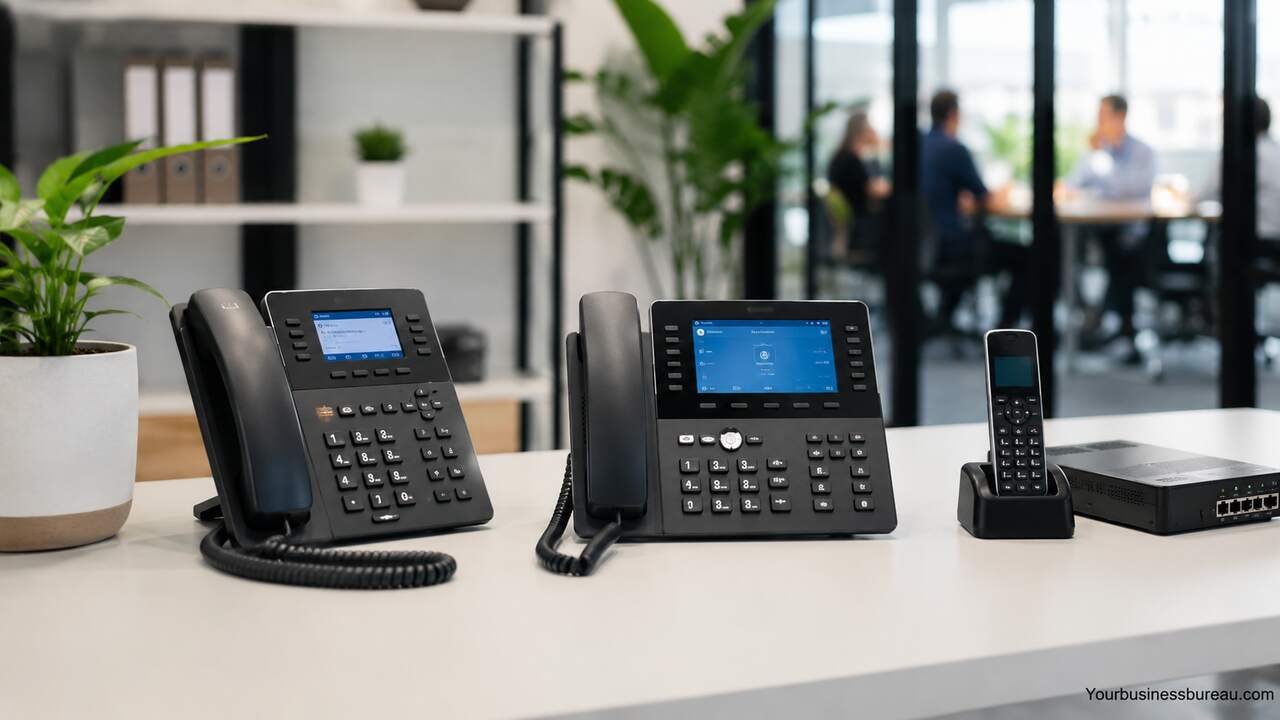
Small businesses rely on clear, reliable communication to serve customers, manage teams, and close sales. A multi line phone system helps a company handle several calls at once, route callers to the right person, and present a professional image without needing a large office or expensive infrastructure. For a growing business, the right phone system can improve response times, reduce missed calls, and support remote or hybrid work.
Assess Your Business Calling Needs


Start by identifying how many calls your business receives each day and how many employees need phone access. A small office with three employees has different requirements than a service company with sales, support, billing, and field staff. The phone system should match your current call volume while allowing room for growth.
Review your daily communication patterns. Count incoming calls, outgoing calls, voicemail usage, missed calls, after-hours inquiries, and internal transfers. A business that depends on appointments may need call routing and voicemail-to-email, while a sales-focused business may need call recording, analytics, and customer relationship management integration.
Also consider where your team works. A traditional office may use desk phones, while remote employees may need mobile apps or desktop calling. A hybrid team often benefits from a cloud-based phone system because employees can answer business calls from different locations while keeping one professional business number.
Choose Between Cloud-Based and On-Premise Phone Systems
Select the phone system type that fits your budget, technical resources, and growth plan. Cloud-based multi line phone systems run through the internet and are managed by a provider. On-premise systems use physical equipment installed at your business location.
Cloud systems are popular for small businesses because they require less hardware, offer easier setup, and usually include features such as auto attendants, call forwarding, voicemail, mobile apps, and reporting. Monthly pricing makes costs predictable, and updates are handled by the provider.
On-premise systems may suit businesses that want direct control over equipment or already have existing phone infrastructure. However, they usually require higher upfront costs, maintenance, and technical support. For most small businesses, cloud phone systems provide better flexibility and easier scaling.
| Feature | Cloud-Based System | On-Premise System |
| Setup cost | Lower | Higher |
| Maintenance | Provider-managed | Business-managed |
| Scalability | Easy to add users | May require hardware |
| Remote work support | Strong | Limited without extra setup |
| Internet dependency | High | Lower |
| Best fit | Growing small businesses | Businesses with existing infrastructure |
Select the Right Number of Phone Lines
Choose enough phone lines to prevent busy signals and missed opportunities. A phone line allows one active call at a time, so a business with frequent simultaneous calls needs multiple lines or extensions. Modern systems often use virtual lines, which make scaling easier than traditional landlines.
A small business with two or three employees may need only a few active lines. A company with a receptionist, sales team, and support staff may need more capacity. Businesses that advertise heavily, run seasonal promotions, or receive appointment calls should plan for peak call periods.
Do not base your decision only on employee count. A five-person law office may receive more calls than a ten-person design studio. Match line capacity to real call activity, customer expectations, and the cost of missed calls.
Set Up Call Routing and Auto Attendants
Use call routing to send callers to the right department, person, or voicemail box. This feature reduces confusion and helps customers reach help faster. A simple menu can direct callers to sales, support, billing, or general inquiries.
An auto attendant gives your small business a polished first impression. It can greet callers, share business hours, provide menu options, and transfer calls without a full-time receptionist. For example, callers can press 1 for appointments, press 2 for support, or press 3 for billing.
Keep menus short and clear. Customers should not struggle through too many options. The best setup gives callers a fast path to a human while still filtering routine requests efficiently.
Add Voicemail, Call Forwarding, and Mobile Access
Enable voicemail so customers can leave messages when your team is busy or unavailable. Voicemail-to-email can send recordings or transcripts directly to staff inboxes, helping teams respond quickly. This feature is especially useful for service businesses, medical offices, agencies, and consultants.
Call forwarding helps employees answer business calls from mobile phones, home offices, or alternate locations. A business owner can forward after-hours calls to a mobile device, while support calls can rotate between available staff members.
Mobile apps extend the business phone system beyond the office. Employees can make and receive calls using the company number instead of personal numbers. This protects privacy, improves professionalism, and keeps customer communication organized.
Compare Essential Features Before Buying
Focus on features that solve real business problems. A multi line phone system for small business should usually include caller ID, voicemail, call transfer, call hold, call forwarding, extensions, business hours, and an auto attendant.
More advanced features may include call recording, call queues, video meetings, SMS messaging, analytics, and CRM integration. These tools can help sales teams track conversations, support teams manage response times, and managers understand call performance.
Avoid paying for features your business will not use. A simple local business may need reliable calling and voicemail, while a growing online service company may need analytics, integrations, and remote work tools.
| Feature | Business Value |
| Auto attendant | Routes callers professionally |
| Call forwarding | Supports mobile and remote work |
| Voicemail-to-email | Speeds up message response |
| Call queues | Handles high call volume |
| Call recording | Supports training and quality control |
| Analytics | Shows call volume and missed calls |
| Mobile app | Lets staff use business numbers anywhere |
| CRM integration | Connects calls with customer records |
Estimate Monthly and Upfront Costs
Calculate the total cost before choosing a provider. Cloud phone systems usually charge per user per month. The price may include calling features, mobile apps, voicemail, and support, but some providers charge extra for toll-free numbers, international calls, advanced analytics, or hardware.
Upfront costs may include desk phones, headsets, number porting, installation, or network upgrades. A business using softphones on computers and mobile apps may avoid most hardware expenses. A front desk or call-heavy team may still benefit from physical phones.
Also consider internet quality. A cloud phone system needs stable broadband to deliver clear calls. Poor internet can cause dropped calls, delays, or choppy audio, so upgrading your connection may be part of the real cost.
Prepare Your Internet and Office Network
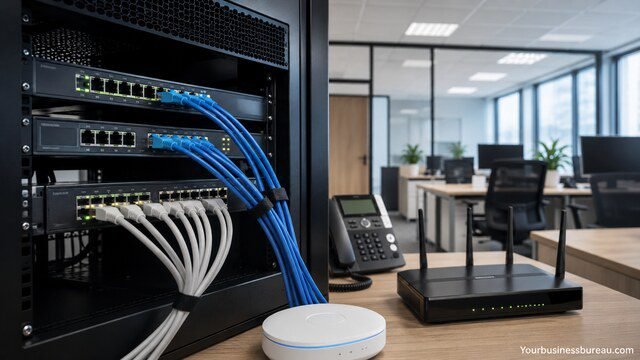
Test your internet speed and reliability before moving to a cloud-based phone system. Voice calls need consistent bandwidth and low latency. Even if your speed looks high, unstable service can affect call quality.
Your router, Wi-Fi coverage, and network settings matter. Businesses with many users may need quality of service settings to prioritize voice traffic. Wired connections are often better for desk phones because they reduce interference and signal drops.
If your team works remotely, each employee’s internet connection affects their call experience. Provide clear setup instructions for headsets, apps, and network use so employees can maintain professional call quality from home.
Choose Business Numbers and Extensions
Decide whether to use a local number, toll-free number, or both. A local number can build trust in a specific city or service area. A toll-free number can make a business look broader and easier to reach.
Extensions help organize your team. Each employee or department can have a direct extension, which makes call transfers faster and more professional. Extensions also allow employees to share one main business number while keeping individual access.
If your business already has a phone number, confirm that the provider supports number porting. Keeping an established number protects brand recognition and prevents customer confusion.
Train Employees to Use the System
Train your team before the system goes live. Employees should know how to answer calls, transfer calls, place callers on hold, check voicemail, update greetings, and use mobile or desktop apps.
Clear call handling rules improve customer experience. Staff should know who answers first, when to transfer, when to take a message, and how quickly voicemail should be returned. A phone system works best when people follow a consistent process.
Managers should also review call recordings or reports when available. These tools can identify missed calls, long hold times, and training needs. Better call habits often lead to better customer satisfaction.
Monitor Call Performance and Improve Over Time
Review call data after setup. Look at missed calls, peak hours, average call duration, voicemail volume, and response times. These numbers show whether your current setup supports customer demand.
Adjust routing when problems appear. If callers often abandon calls during lunch hours, add forwarding or shared coverage. If one employee receives too many calls, create a queue or distribute calls across a team.
Your phone system should evolve with your business. Add users, lines, numbers, and features as your needs change. A flexible system protects your business from outgrowing its communication tools too quickly.
Conclusion
A multi line phone system helps a small business answer more calls, route customers efficiently, and maintain a professional image. The best system matches your call volume, team size, work style, budget, and growth goals. Cloud-based systems often give small businesses the strongest balance of affordability, flexibility, and modern features. With the right setup, your phone system becomes more than a calling tool. It becomes a reliable part of customer service, sales, and daily operations.
FAQ’s
A small business usually needs enough lines to handle simultaneous calls without busy signals. The right number depends on call volume, employee roles, and peak calling times.
A cloud phone system is often better for small businesses because it is easier to set up, supports remote work, and scales without major hardware costs.
Yes. Many modern systems include mobile apps that let employees make and receive calls using the business number.
Important features include auto attendant, voicemail, call forwarding, call transfer, caller ID, extensions, mobile access, and call reporting.
In most cases, yes. Many providers support number porting, which allows you to move your current business number to the new system.
Costs vary by provider, users, hardware, and features. Cloud systems usually have lower upfront costs and predictable monthly pricing.


