








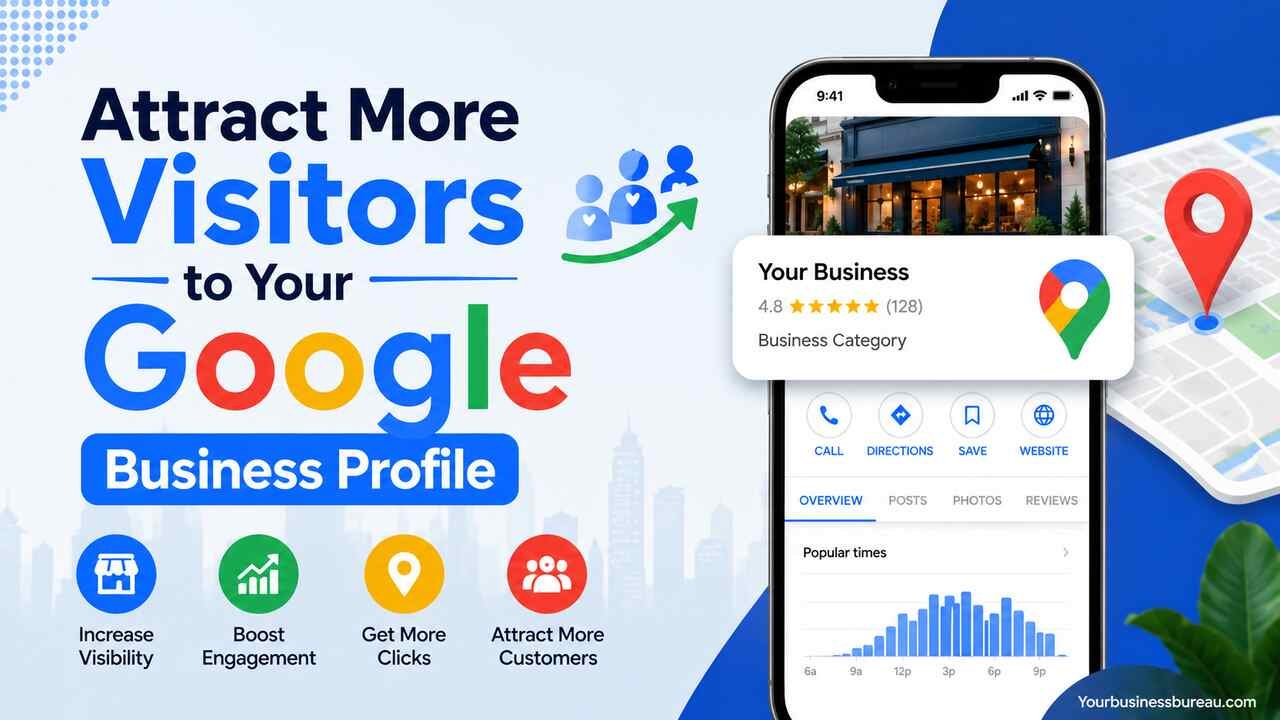
Running a business today means competing for attention in local search results. A well-optimized Google Business Profile can become one of your most valuable marketing assets, helping potential customers discover your business, learn about your services, and take action. Whether you own a local store, restaurant, service company, or professional practice, improving your profile can lead to more website visits, phone calls, direction requests, and ultimately more sales.
This guide explains practical strategies to attract more visitors to your Google Business Profile. Each step focuses on improving visibility, increasing customer trust, and encouraging engagement so your business stands out in Google’s local search results.
Optimize Every Section of Your Google Business Profile
The first step toward attracting more visitors is completing every section of your Google Business Profile accurately. Google favors complete business profiles because they provide users with reliable information.
Start by confirming your business name, address, phone number, website, operating hours, and business categories. Consistency across your website, social media accounts, and local directories helps Google verify your business information.
Add detailed business descriptions that naturally explain your services, products, specialties, and service areas. Include relevant keywords naturally instead of stuffing them repeatedly.
Your profile should also include:
- Primary and secondary categories
- Service areas
- Products
- Services
- Business attributes
- Opening date
- Appointment links
- Messaging options
- Frequently asked questions
A fully completed profile provides Google with more information to understand your business while making it easier for customers to choose your services.
Select the Most Accurate Business Categories
Choosing the right categories significantly affects your visibility in local search.
Your primary category should represent your main service. Secondary categories should describe additional services without overlapping unnecessarily.
For example:
| Business Type | Primary Category | Secondary Categories |
| Dental Clinic | Dentist | Cosmetic Dentist, Emergency Dental Service |
| Restaurant | Italian Restaurant | Pizza Restaurant, Family Restaurant |
| Auto Repair | Auto Repair Shop | Brake Shop, Oil Change Service |
| Law Firm | Personal Injury Attorney | Trial Attorney, Legal Services |
Proper categorization helps Google match your profile with highly relevant customer searches.
Add High-Quality Photos Regularly
Businesses with fresh images generally receive more customer interactions than those with outdated or missing photos.
Upload professional images of:
- Storefront
- Interior
- Exterior
- Team members
- Products
- Services in action
- Office environment
- Equipment
- Customer experience
- Before-and-after projects (when appropriate)
Maintain a consistent schedule by adding new photos every week or month. Fresh visual content signals that your business is active.
Recommended Photo Types
| Photo Type | Purpose |
| Logo | Brand recognition |
| Cover Photo | First impression |
| Interior | Showcase environment |
| Exterior | Help customers identify location |
| Team | Build trust |
| Products | Display inventory |
| Services | Demonstrate expertise |
| Events | Show business activity |
Publish Google Business Profile Posts Frequently

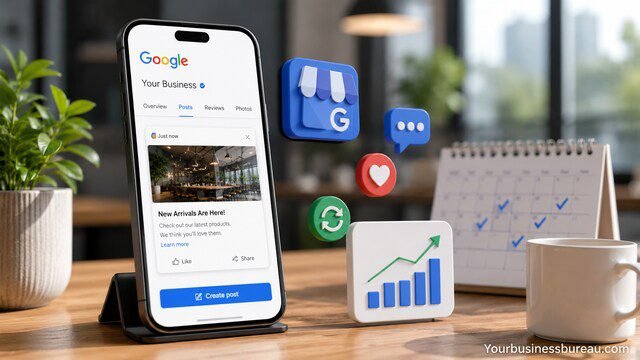
Google Posts allow businesses to share updates directly within their profile.
Create posts about:
- Promotions
- Seasonal offers
- New services
- Product launches
- Company news
- Events
- Educational tips
- Customer success stories
Posting consistently demonstrates that your business remains active and engaged with customers.
Aim to publish at least one new post each week.
Encourage Customers to Leave Genuine Reviews
Reviews strongly influence local search rankings and customer decisions.
Ask satisfied customers to leave honest reviews after completing a purchase or service.
Good opportunities include:
- After appointments
- After successful installations
- Following deliveries
- Upon project completion
- During follow-up emails
- Through SMS reminders
Avoid offering incentives for reviews because doing so violates Google’s policies.
A steady flow of authentic reviews signals trustworthiness and business activity.
Respond to Every Customer Review
Responding to reviews shows both Google and potential customers that you value customer feedback.
Thank customers for positive reviews and personalize each response rather than using identical templates.
For negative reviews:
- Stay professional
- Acknowledge concerns
- Offer solutions
- Invite offline communication
- Avoid arguments
Regular review responses improve customer confidence while strengthening your online reputation.
Answer Customer Questions Promptly
The Questions and Answers section often influences customer decisions before they contact your business.
Monitor new questions regularly and provide clear, accurate answers.
Common topics include:
- Pricing
- Parking
- Payment methods
- Appointment requirements
- Service areas
- Business hours
- Accessibility
- Delivery options
Proactively adding frequently asked questions helps reduce customer uncertainty.
Showcase Products and Services Clearly
Businesses that list products and services give Google additional information to display in search results.
Include:
- Service descriptions
- Product descriptions
- Pricing (when appropriate)
- Images
- Categories
- Benefits
Well-organized listings improve user experience and increase engagement.
Keep Business Information Updated
Incorrect information frustrates customers and may reduce visibility.
Review your profile regularly for updates involving:
- Holiday hours
- Contact information
- Website URL
- Service areas
- New locations
- Temporary closures
- New services
Consistent maintenance ensures customers always receive accurate information.
Build a Strong Local SEO Foundation

Your Google Business Profile performs better when supported by a strong local SEO strategy.
Focus on:
- Consistent business information across directories
- Local backlinks
- Location-specific website pages
- Local keywords
- Mobile-friendly website
- Fast page speed
- Structured data markup
Google evaluates multiple signals beyond the business profile itself.
Earn Local Backlinks and Community Mentions
Local authority improves when reputable organizations mention or link to your business.
Consider partnerships with:
- Local news websites
- Community organizations
- Chambers of commerce
- Local blogs
- Industry associations
- Sponsorship events
- Schools
- Nonprofit organizations
Quality local references reinforce your business’s credibility.
Add Appointment, Booking, and Contact Options
Reducing friction increases customer engagement.
Enable features such as:
- Online booking
- Appointment scheduling
- Website links
- Phone calls
- Messaging
- Quote requests
Providing multiple contact methods allows customers to choose the most convenient option.
Monitor Performance Using Business Insights
Google Business Profile provides valuable performance metrics.
Track indicators including:
- Search impressions
- Discovery searches
- Website clicks
- Phone calls
- Direction requests
- Photo views
- Customer actions
Analyzing trends helps identify which optimization efforts generate the best results.
Key Performance Metrics
| Metric | What It Measures | Goal |
| Search Views | Profile visibility | Increase monthly |
| Website Clicks | Traffic to website | Higher conversion |
| Calls | Customer inquiries | Steady growth |
| Direction Requests | Local interest | Increase over time |
| Photo Views | Visual engagement | Higher than competitors |
| Review Count | Customer trust | Consistent growth |
Maintain Consistent Business Activity
Google favors businesses that remain active.
Maintain ongoing activity by:
- Uploading new photos
- Publishing weekly posts
- Responding to reviews
- Updating services
- Answering questions
- Refreshing business descriptions
- Monitoring profile accuracy
Consistent engagement signals that your business actively serves customers.
Strengthen Your Website to Support Your Business Profile
A strong website complements your Google Business Profile.
Ensure your website includes:
- Local landing pages
- Service pages
- Contact information
- Embedded Google Map
- Customer testimonials
- Clear calls to action
- Fast loading speed
- Mobile optimization
A well-optimized website supports better rankings in local search while improving user experience after visitors leave your profile.
Conclusion
Attracting more visitors to your Google Business Profile requires ongoing optimization rather than a one-time setup. Completing every profile section, choosing accurate categories, publishing regular posts, uploading fresh photos, collecting authentic reviews, responding to customer feedback, and maintaining accurate business information all contribute to stronger local visibility.
Supporting your profile with a fast, informative website, consistent local SEO, and community engagement further strengthens your presence in Google Search and Maps. By consistently applying these strategies, you can increase profile visibility, attract more qualified local customers, and turn more searches into calls, visits, and sales.
FAQ’s
Review your profile at least once a month and publish new posts or upload fresh photos weekly to demonstrate ongoing business activity.
Yes. Authentic, high-quality reviews, along with regular responses, contribute to stronger local visibility and help build customer trust.
There is no fixed limit, but businesses that regularly add high-quality photos of their location, products, services, and team often receive greater customer engagement.
Yes, but use them naturally. Focus on clearly describing your services and location instead of repeating keywords unnecessarily.
Yes. Consistent posting keeps your profile active, informs customers about updates and promotions, and can increase engagement with your business.
Success comes from combining several best practices: maintaining a complete and accurate profile, earning genuine customer reviews, uploading fresh photos, publishing regular updates, responding promptly to customer interactions, and supporting your profile with a strong local SEO strategy.


