





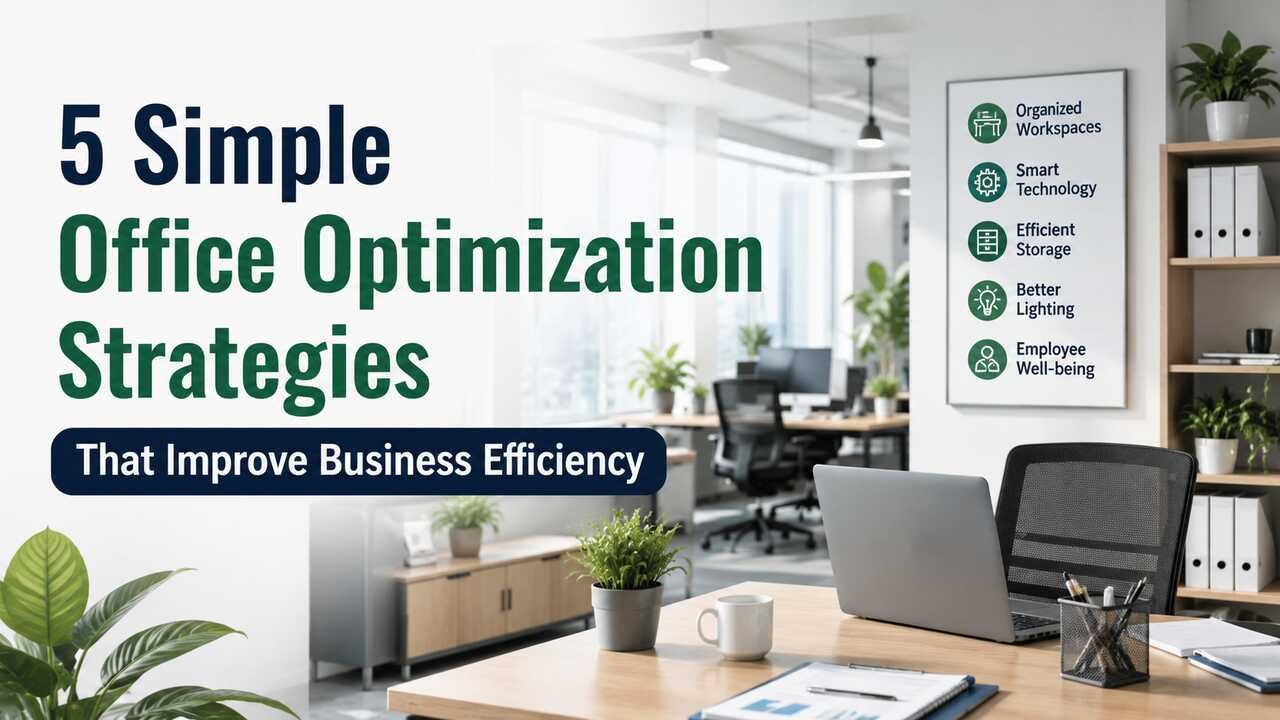
Much of the advice out there on improving workplace efficiency focuses on changing habits. While useful, this advice merely addresses the symptoms of inefficiency and not the root causes. The truth is that, in most cases, it’s the systems themselves that are inefficient. Systems get cluttered with physical stuff, become fragmented with a bunch of different tools, or they were never really systems in the first place – they just grew haphazardly alongside the business.
Optimize The Physical Workspace For Focus
More than many managers would like to assume, cognitive performance is influenced by the physical environment. Noise, light, and design incompatibilities create constant stress. Non-ergonomic furniture or placing teams who use the phone a lot next to teams who write a lot results in poor performance but most of the time, it is impossible to trace the cause in any report.
Start by checking your current layout, and figure out who on your team needs to focus for long periods and who needs to work together and separate them. Check that the monitor is at the right height, see if the desk is fit for the employee, and observe how the light reaches their workspace. These are not optional new age suggestions, they are solid low-effort, high-result fixes.
Cut The Software Pile Down
Many offices use more tools than necessary which results in behavioral “toggle tax.” This is a cognitive cost that is associated with the frequent need to switch contexts between different tools. It may seem like a small issue, but the more tools and apps you have, the more toggling users have to do, and the less productive they become. So, assess your tool stack and try to eliminate overlapping tools. For instance, having two chat tools and two project management tools is redundant. Find the best solution that fits most of your needs and go with it.
Replace Paper Archives With Searchable Digital Records
Research suggests that the average knowledge worker spends 19% of their workweek searching for and gathering information. And most of that time is spent digging through physical filing systems where documents need to be retrieved, scanned, or searched through.
Physical filing cabinets don’t just hog office real estate. They keep information locked away in silos. Only one person can access a file at a time, remote staff can’t touch them at all, and nothing inside them is keyword-searchable. Migrating these records to a cloud-based system with OCR technology changes this completely. OCR turns scanned document images into searchable text, making any file or contract from 2019 just as easy to find as current documents.
Unfortunately, most businesses don’t take the first step of migrating legacy data because they’re overwhelmed by the prospect of doing it themselves. It’s a mammoth task that takes internal staff weeks, if not months. But it doesn’t have to be this way. There are document scanning services calgary that can quickly and securely handle high-volume conversion, dropping the resulting files directly into your company’s document management system.
Establish Asynchronous Communication As A Default
Overuse of real-time communication can be counterproductive. For example, constantly sending chat messages or making impromptu visits to someone’s desk might seem like a quick and easy way to communicate, but it disrupts that person’s deep-work concentration – and it can take 20 or more minutes to get back into that zone. If your top performers are being interrupted six times in the morning, you’re making a bad trade: their best output for the illusion of responsiveness.
This doesn’t mean you should eliminate real-time communication; you just need to be clearer on when it’s warranted. Urgent and time-sensitive topics belong in the real-time bucket. Everything else can be shared and discussed in its own time. Isolate status updates, questions without urgent answers, and regular reviews and approvals in their own asynchronous bucket – email, the project management tool, or a shared document. Making this explicit, especially as a team, removes the implicit expectation that you should respond to everything right away.
Automate What Doesn’t Require Thinking
Many offices have several processes that are technically manual but don’t involve any actual judgment. Invoice routing, file naming and sorting, meeting scheduling, data entry from one system into another. These tasks get done by real people who could be doing something more valuable.
Workflow automation tools – many of which require no coding knowledge to configure – can handle the trigger-based steps in these processes. When an invoice arrives, it routes to the right approver automatically. When a form is submitted, the data transfers to the relevant record. When a new client is added, the onboarding checklist populates itself.
The goal isn’t to automate everything. It’s to identify the two or three processes where a staff member is doing mechanical, repetitive steps, and remove those steps from their plate permanently. Structural efficiency isn’t a one-time project. But most businesses have four or five fixable bottlenecks that are costing them measurably every week. Start with the physical workspace, then work outward through the digital stack. The gains tend to compound faster than expected.


