


Highlights
- A business card printer gives you full control over branding, design, and printing speed, which means you no longer depend on external vendors for urgent needs. You can print exactly when you need without delays.
- You start your journey by choosing the right printer based on your needs, where inkjet suits creative designs and laser supports bulk printing with speed and precision.
- You explore different cardstock options and realize that paper quality directly impacts how people perceive your brand, which helps you create a strong first impression.
- You design your first business card and notice how layout, typography, and color consistency make your card look professional and memorable in real-life interactions.
- You print your first batch and immediately see the advantage of instant results, which allows quick corrections and improvements without extra costs or waiting time.
- You experiment with finishes like matte and glossy, and you begin to understand how different styles work for different audiences and events.
- You compare your in-house printing cost with outsourcing and realize long-term savings, especially when you frequently update or personalize your cards.
- You maintain your printer regularly and learn how proper care ensures consistent quality, which keeps your cards looking sharp and professional every time.
- You attend a networking event and hand out your self-printed business cards, and you feel more confident knowing every detail reflects your brand perfectly.
- You continue improving your designs and printing process, which turns your business card printer into a powerful tool for branding, flexibility, and professional growth.
Introduction
A business card printer provides a direct, cost-efficient, and customizable solution for professionals and businesses that need high-quality printed cards on demand. A reliable printing setup improves branding consistency, reduces outsourcing costs, and gives full control over design, paper quality, and turnaround time. Many professionals search for ways to produce sharp, durable, and professional-looking cards without relying on external vendors, and a business card printer addresses that exact need by combining technology, materials, and workflow into one streamlined process.
What is a Business Card Printer and How Does It Work?
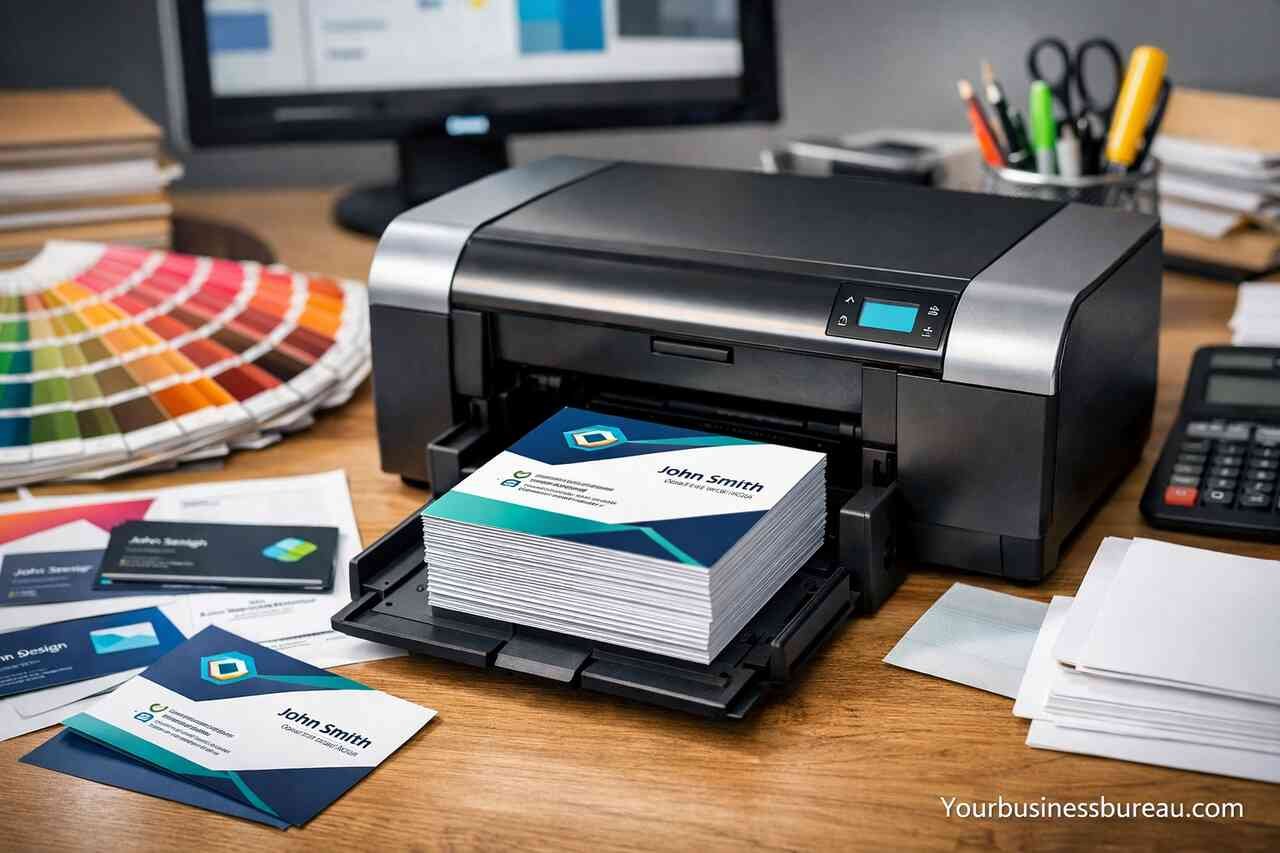
A business card printer refers to a specialized or general-purpose printer designed to produce professional-quality business cards using specific card stock and printing technologies. A printer processes digital design files and transfers ink or toner onto thick paper surfaces with precision alignment and color accuracy.
A modern business card printer operates through either inkjet or laser technology. Inkjet systems spray liquid ink onto paper fibers, allowing smooth gradients and rich colors, while laser systems use toner powder fused by heat for sharper text and faster output. A user selects print settings, aligns the card layout, and feeds compatible cardstock to achieve accurate results.
A business card printing process includes design preparation, printer configuration, and finishing steps such as cutting and coating. A properly calibrated printer ensures alignment accuracy, while high-resolution settings improve clarity. A well-executed workflow results in crisp typography, vibrant colors, and professional-grade cards.
Types of Business Card Printers
Inkjet printers provide superior color blending and are ideal for creative designs with images and gradients. Laser printers deliver faster speeds and sharper text, making them suitable for bulk printing and corporate environments.
Printing Technology Differences
Inkjet technology uses liquid ink absorption, which enhances color richness, while laser technology uses heat fusion, which improves durability and speed. Each method serves different printing priorities depending on design complexity and volume.
Why Should You Use a Business Card Printer Instead of Outsourcing?

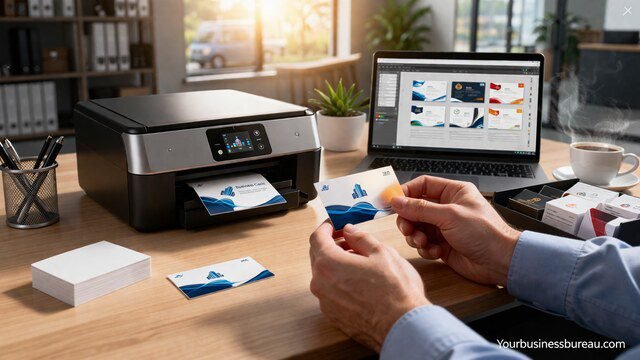
A business card printer allows complete control over design, timing, and cost. A business owner benefits from immediate printing without waiting for external suppliers, which improves flexibility and responsiveness.
A printing setup at home or office reduces long-term expenses. Outsourcing requires recurring payments for every batch, while owning a printer converts costs into a one-time investment plus consumables. Frequent updates or rebranding become easier without additional service charges.
A business card printer enhances customization. A user can test multiple designs, adjust layouts, and print small batches for different events or audiences. Personalized cards improve engagement and leave a stronger impression compared to generic mass-produced cards.
Cost Efficiency Over Time
A printer reduces cost per card significantly when printing frequently. Bulk ink or toner usage lowers expenses compared to repeated outsourcing orders.
Flexibility and Instant Printing
A printer allows immediate production for urgent meetings or events. A user avoids delays and maintains control over deadlines and quality.
How to Choose the Best Business Card Printer for Your Needs?
A business card printer selection depends on printing volume, design requirements, and budget. A user must evaluate print resolution, paper compatibility, and operating costs before making a decision.
A high-resolution printer ensures sharp text and clear graphics. Resolution measured in DPI determines output quality, and higher DPI values produce more detailed results. A printer with at least 1200 DPI is recommended for professional business cards.
A compatible printer supports thick cardstock and various finishes. Paper handling capability determines whether the printer can manage heavier materials without jams or misalignment. A durable machine improves reliability and consistency.
Key Features to Look For
Print resolution, paper compatibility, and connectivity options define printer performance. Wireless connectivity adds convenience, while duplex printing can improve efficiency.
Budget and Maintenance Considerations
Initial cost and ongoing expenses such as ink or toner replacement influence long-term value. A cost-effective printer balances affordability with durability and performance.
What Materials and Paper Types Work Best for Business Card Printing?

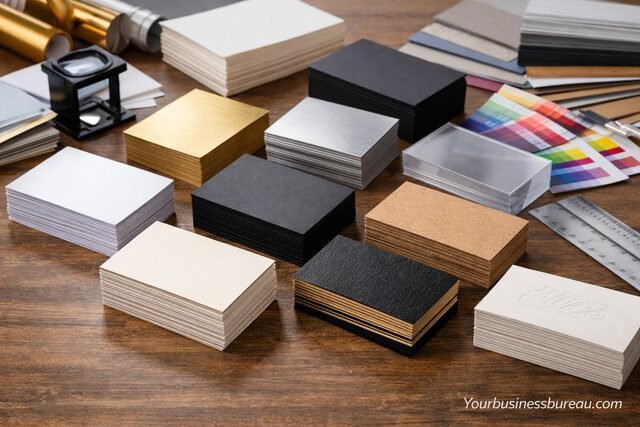
A business card printer requires high-quality cardstock to produce professional results. Cardstock thickness and finish influence durability, texture, and visual appeal.
A standard business card uses 300 to 400 GSM cardstock, which provides a sturdy feel and resistance to bending. Thicker paper enhances perceived quality and creates a premium impression.
A variety of finishes such as matte, glossy, and textured surfaces allow customization. Matte finishes reduce glare and improve readability, while glossy finishes enhance color vibrancy. Textured surfaces add uniqueness and tactile appeal.
| Paper Type | Characteristics | Best Use Case |
| Matte | Smooth, non-reflective | Professional and minimal designs |
| Glossy | Shiny, vibrant colors | Image-heavy designs |
| Textured | Unique feel, artistic | Creative branding |
Matte vs Glossy Finish
Matte finish provides a clean and professional look with easy readability. Glossy finish enhances color depth but may reflect light under certain conditions.
Thickness and Durability
Higher GSM cardstock increases durability and improves the overall feel. Thick cards create a lasting impression during networking interactions.
How to Design Business Cards for Printing?
A business card design must align with brand identity and readability. A user should focus on layout, typography, and color consistency to create an effective design.
A well-structured layout organizes information clearly. Essential details such as name, title, contact information, and logo should be placed strategically to ensure easy reading. Balanced spacing improves visual appeal.
A color scheme must match branding elements. Consistent use of colors strengthens recognition and reinforces brand identity. High contrast between text and background ensures readability.
| Design Element | Purpose | Recommendation |
| Typography | Readability | Use clean and professional fonts |
| Color Scheme | Branding | Maintain consistency |
| Layout | Organization | Keep balanced spacing |
Typography and Readability
Clear fonts improve readability and professionalism. A user should avoid overly decorative fonts that reduce clarity.
Branding and Visual Identity
Consistent colors and logos strengthen brand recognition. A cohesive design builds trust and memorability.
What Are the Advantages and Limitations of Business Card Printers?
A business card printer offers convenience, customization, and cost savings. A user gains independence from external services and can produce cards anytime.
A printer also provides creative flexibility. A user can experiment with designs, materials, and finishes to achieve unique results. Small batch printing reduces waste and supports targeted marketing.
A limitation includes initial investment and maintenance requirements. Ink or toner costs and occasional technical issues require attention. A user must also learn proper setup and calibration to achieve optimal results.
Advantages of Using a Printer
Immediate printing, customization, and cost efficiency make printers valuable for businesses. A user benefits from flexibility and control.
Limitations to Consider
Maintenance, consumable costs, and learning curve can impact usability. Proper planning reduces these challenges.
How Can You Maintain and Optimize Your Business Card Printer?
A business card printer requires regular maintenance to ensure consistent performance. Cleaning print heads and aligning cartridges improve output quality.
A user should use high-quality ink or toner to avoid clogging and fading. Proper storage of cardstock prevents moisture damage and maintains print consistency.
A printer optimization process includes adjusting print settings, updating drivers, and performing routine checks. A well-maintained printer delivers sharp, vibrant, and professional results consistently.
Regular Maintenance Practices
Cleaning and alignment prevent printing issues. Routine care extends printer lifespan and ensures reliability.
Optimization for Best Results
Proper settings and quality materials enhance output. A user achieves better results with calibrated configurations.
Conclusion
A business card printer provides a powerful solution for professionals seeking control, efficiency, and quality in card production. A proper understanding of printer types, materials, and design principles ensures professional results. A well-maintained printer delivers consistent performance and long-term value. Investing in a reliable setup enhances branding, reduces costs, and improves flexibility in networking situations.
If you want to explore how we help businesses grow from the ground up, you can visit yourbusinessbureau.com to see what we offer.
FAQ’s
An inkjet printer works best for colorful and creative designs, while a laser printer suits high-volume printing with sharp text.
A standard printer can print business cards if the printer supports thick cardstock and proper alignment settings.
Cardstock between 300 and 400 GSM provides durability and a professional feel.
A clean layout, readable fonts, and consistent branding improve professionalism.
Home printing becomes cost-effective over time, especially for frequent use and small batch production.


