








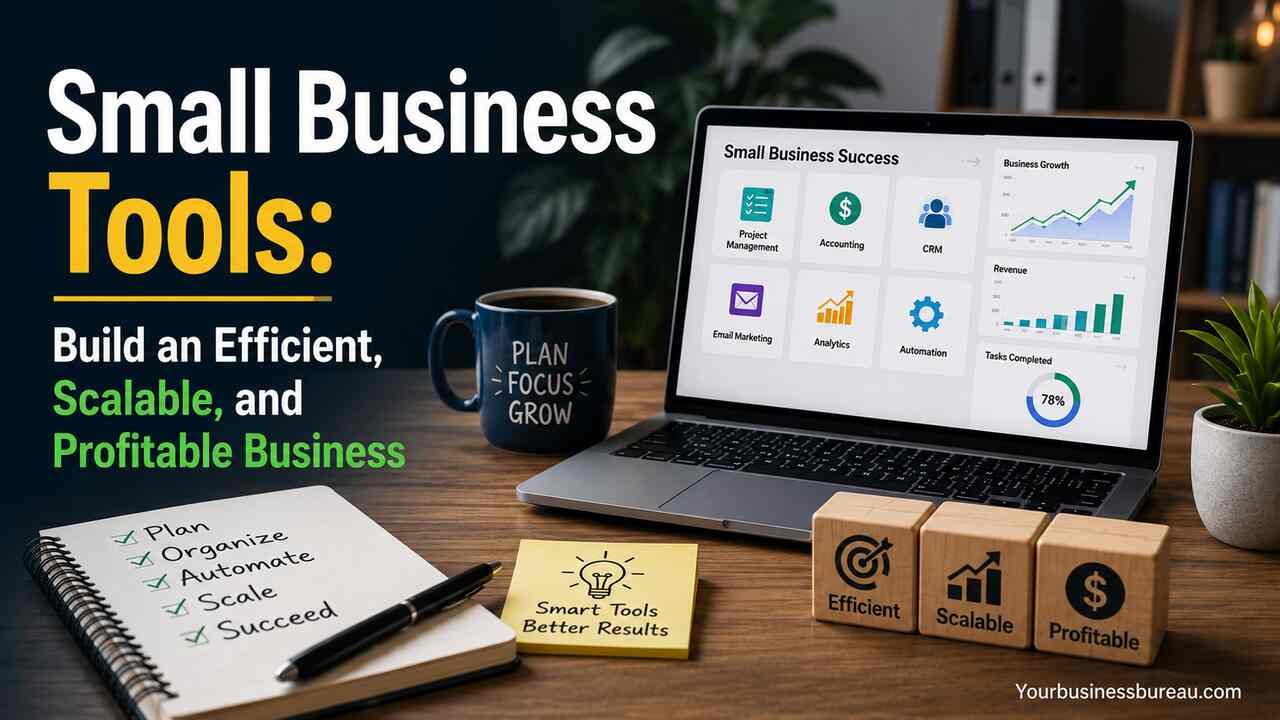
Running a small business requires more than a great product or service. Owners must manage sales, customer relationships, accounting, marketing, communication, projects, inventory, and reporting while keeping costs under control. The right small business tools help streamline operations, reduce manual work, improve customer experiences, and support sustainable growth.
Modern businesses operate in a competitive environment where speed, accuracy, and data-driven decisions influence results. A carefully selected toolkit allows business owners to automate repetitive tasks, track performance, organize teams, and deliver consistent service. Whether you are launching a startup, managing a local company, or expanding an established operation, choosing the right tools can significantly improve efficiency and profitability.
Identify Core Business Functions Before Selecting Tools
The first step in choosing small business tools is understanding which business functions require support. Every company has different operational needs, but most organizations depend on sales, finance, customer management, communication, marketing, and project execution.
Business owners should document daily processes and identify bottlenecks. Repeated manual tasks, data entry errors, delayed customer responses, and inconsistent reporting often indicate opportunities for improvement. Understanding these challenges helps prioritize software investments.
A structured evaluation process prevents businesses from purchasing unnecessary applications. Instead of adopting multiple overlapping platforms, companies can focus on tools that solve specific operational problems and provide measurable benefits.
Businesses in retail may prioritize inventory management and point-of-sale systems. Service providers often require scheduling, invoicing, and client management solutions. Online businesses typically focus on e-commerce, marketing automation, and analytics platforms.
Common Business Functions and Recommended Tool Categories
| Business Function | Tool Category | Primary Benefit |
| Sales | CRM Software | Lead tracking and conversion |
| Accounting | Financial Management | Expense and revenue control |
| Marketing | Email and Automation Tools | Customer engagement |
| Communication | Team Collaboration Platforms | Faster internal coordination |
| Project Management | Task Management Systems | Better workflow organization |
| Customer Support | Help Desk Software | Improved customer satisfaction |
| Inventory | Inventory Management Systems | Stock accuracy |
| Analytics | Reporting Platforms | Data-driven decisions |
Organize Customer Information With CRM Software


Customer relationship management software helps businesses centralize customer information and manage interactions throughout the sales cycle. Instead of storing contacts across spreadsheets, emails, and notebooks, a CRM creates a single source of truth.
A CRM system tracks leads, records conversations, schedules follow-ups, and monitors deal progress. Sales teams gain visibility into customer behavior and can identify opportunities more effectively. This structure helps reduce missed opportunities and improves conversion rates.
Key CRM features include contact management, lead scoring, sales pipelines, activity tracking, reporting dashboards, and customer segmentation. These functions enable businesses to build stronger relationships and improve sales performance.
Different business models use CRM software differently. Service businesses focus on client communication and appointment management. Retail businesses use CRM systems for loyalty programs and customer retention. B2B organizations often rely on advanced sales pipelines and forecasting capabilities.
Important CRM capabilities include:
- Contact databases
- Lead tracking
- Pipeline management
- Sales forecasting
- Customer segmentation
- Automated follow-ups
- Reporting dashboards
Streamline Financial Operations With Accounting Tools
Financial management remains one of the most critical aspects of running a business. Accounting tools help business owners monitor revenue, expenses, cash flow, taxes, and profitability.
Manual bookkeeping consumes valuable time and increases the risk of errors. Accounting software automates transaction recording, invoice generation, bank reconciliation, and financial reporting. Business owners gain a clearer understanding of their financial position and can make informed decisions.
Effective accounting tools support multiple financial functions. Invoicing systems accelerate payment collection. Expense tracking improves budget control. Tax preparation features simplify compliance requirements. Financial reports provide visibility into profitability trends and cash flow performance.
Small businesses should prioritize systems that integrate with banking platforms, payment processors, and e-commerce solutions. Integration reduces duplicate data entry and improves reporting accuracy.
Key Accounting Features Comparison
| Feature | Business Benefit |
| Invoicing | Faster payment collection |
| Expense Tracking | Better cost control |
| Bank Reconciliation | Improved accuracy |
| Financial Reports | Better decision-making |
| Payroll Support | Simplified employee payments |
| Tax Management | Easier compliance |
| Cash Flow Analysis | Financial stability planning |
Accurate financial data enables businesses to identify growth opportunities, control expenses, and maintain healthy operating margins.
Improve Team Collaboration With Communication Platforms
Strong communication is essential for efficient operations. As teams grow, information can become fragmented across emails, phone calls, and messages. Communication tools create centralized environments where employees collaborate effectively.
Modern communication platforms support instant messaging, video meetings, file sharing, announcements, and department-specific channels. Employees can access conversations quickly and reduce delays caused by scattered communication.
Remote and hybrid work environments benefit significantly from communication tools. Team members stay connected regardless of location and maintain consistent productivity levels.
Businesses should establish communication guidelines to prevent information overload. Structured channels, organized documentation, and clear responsibilities help maximize the value of collaboration platforms.
Effective communication tools contribute to:
- Faster decision-making
- Reduced email dependency
- Improved transparency
- Better remote collaboration
- Stronger team alignment
- Increased productivity
Manage Projects and Tasks Through Workflow Systems
Project management tools help businesses organize work, assign responsibilities, track deadlines, and monitor progress. Without a structured system, projects often experience delays, missed tasks, and communication breakdowns.
A project management platform provides visibility into ongoing work. Team members understand priorities, managers track performance, and stakeholders receive updates without requiring constant meetings.
Most workflow systems include task assignments, deadline tracking, progress monitoring, file storage, automation rules, and reporting features. These capabilities help businesses maintain operational consistency.
Different project frameworks can be supported through management tools. Marketing teams may use campaign workflows. Software companies often implement agile methodologies. Service businesses rely on client project tracking systems.
Project management tools create accountability by clearly defining ownership and deadlines. This structure improves execution quality and reduces operational confusion.
Expand Customer Reach Using Marketing Automation Tools
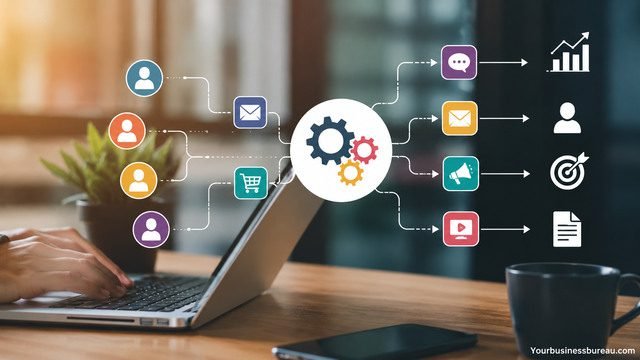
Marketing automation tools allow businesses to attract, nurture, and convert customers more efficiently. Instead of manually managing every campaign, businesses can automate repetitive marketing activities.
Email marketing remains one of the highest-return marketing channels. Automation tools send targeted messages based on customer behavior, preferences, and purchasing activity. This personalization increases engagement and conversion rates.
Marketing platforms often include:
- Email campaigns
- Landing page creation
- Audience segmentation
- Lead nurturing
- Social media scheduling
- Campaign analytics
- Customer journey automation
Businesses should focus on delivering relevant content rather than increasing message volume. Effective automation improves customer experiences while reducing marketing workload.
Marketing automation also supports long-term customer retention. Businesses can create onboarding sequences, loyalty campaigns, re-engagement workflows, and promotional campaigns that operate continuously.
When combined with CRM data, marketing tools provide valuable insights into customer behavior and campaign performance.
Build an Online Presence With Website and E-Commerce Platforms
A professional online presence is essential for credibility and customer acquisition. Website builders and e-commerce platforms help businesses establish digital storefronts without extensive technical expertise.
A business website serves multiple purposes. It provides information, generates leads, supports customer service, and strengthens brand perception. For online sellers, an e-commerce platform becomes a primary revenue channel.
Effective website tools should support:
- Mobile responsiveness
- Search engine optimization
- Content management
- Secure hosting
- Analytics integration
- Contact forms
- Fast loading speeds
E-commerce platforms require additional capabilities such as product catalogs, inventory management, payment processing, shipping integrations, and order tracking.
Businesses should prioritize user experience throughout the website journey. Clear navigation, fast performance, and strong calls to action help convert visitors into customers.
A well-designed website functions as a digital sales representative that operates continuously.
Deliver Better Service With Customer Support Systems
Customer service directly influences retention, referrals, and brand reputation. Support tools help businesses manage customer inquiries efficiently and consistently.
As customer volumes increase, tracking conversations through email alone becomes difficult. Help desk systems organize requests, assign responsibilities, and monitor response times.
Customer support platforms often include:
- Ticket management
- Live chat
- Knowledge bases
- Customer history tracking
- Service analytics
- Automated responses
Businesses can identify recurring issues through support data and proactively improve products or services. This approach reduces future support demand while enhancing customer satisfaction.
Strong customer service creates trust and encourages repeat business. Companies that resolve issues quickly often outperform competitors with superior products but weaker support experiences.
Support systems also provide management visibility into team performance and service quality metrics.
Automate Administrative Processes to Save Time
Administrative tasks consume substantial business resources. Automation tools reduce repetitive work and allow employees to focus on higher-value activities.
Many processes can be automated, including:
- Appointment scheduling
- Invoice generation
- Follow-up emails
- Document approvals
- Employee onboarding
- Data synchronization
- Reporting
Automation reduces human error and improves consistency across business operations. Businesses often discover significant productivity gains after eliminating repetitive manual processes.
Workflow automation becomes increasingly valuable as organizations grow. What may take a few hours per week initially can become a major operational burden when transaction volumes increase.
Business owners should identify recurring tasks and evaluate whether automation can improve efficiency. Small improvements across multiple processes often generate substantial cumulative benefits.
Monitor Performance With Analytics and Reporting Tools
Data-driven decision-making requires reliable reporting systems. Analytics tools help businesses understand customer behavior, operational performance, marketing effectiveness, and financial outcomes.
Without analytics, businesses often rely on assumptions rather than evidence. Reporting platforms transform raw data into actionable insights.
Key performance indicators may include:
- Revenue growth
- Customer acquisition cost
- Conversion rates
- Customer retention
- Profit margins
- Website traffic
- Employee productivity
Analytics tools consolidate information from multiple sources and create dashboards that simplify performance monitoring.
Business leaders should establish measurable goals and review performance regularly. Consistent reporting enables faster adjustments and improved strategic planning.
The most successful businesses use analytics not only to evaluate past performance but also to identify future opportunities.
Secure Business Data With Cybersecurity Tools
Data security has become a fundamental requirement for organizations of all sizes. Small businesses are frequent targets because they often have fewer security controls than larger enterprises.
Cybersecurity tools protect customer information, financial records, intellectual property, and operational systems. A security breach can result in financial losses, legal complications, and reputational damage.
Important security solutions include:
- Antivirus protection
- Firewall systems
- Password management
- Multi-factor authentication
- Data backup systems
- Endpoint security
- Encryption tools
Employee training is equally important. Many security incidents originate from phishing attacks or poor password practices.
Businesses should establish security policies and regularly review their protection measures. Preventive investments are significantly less costly than recovering from a major data breach.
Optimize Inventory and Supply Chain Operations
Inventory management tools help businesses maintain accurate stock levels and avoid costly shortages or overstock situations.
Manual inventory tracking often leads to discrepancies between recorded and actual stock quantities. Inventory software provides real-time visibility and improves forecasting accuracy.
Key capabilities include:
- Stock monitoring
- Purchase order management
- Supplier tracking
- Demand forecasting
- Barcode scanning
- Warehouse management
- Inventory reporting
Retailers, manufacturers, wholesalers, and e-commerce businesses particularly benefit from inventory management systems.
Accurate inventory data improves customer satisfaction by reducing stockouts and shipment delays. Businesses can also reduce carrying costs by maintaining optimal inventory levels.
Supply chain visibility becomes increasingly important as organizations scale operations and expand product offerings.
Integrate Business Systems for Maximum Efficiency
Many businesses use multiple tools simultaneously. However, disconnected applications create data silos and operational inefficiencies.
Integration platforms connect software systems and enable information to flow automatically between applications. Customer records, sales data, invoices, and marketing information remain synchronized.
Common integrations include:
- CRM and marketing software
- Accounting and payment platforms
- E-commerce and inventory systems
- Customer support and CRM solutions
- Project management and communication tools
Integrated systems improve reporting accuracy and reduce administrative workload. Employees spend less time transferring information between platforms and more time performing productive work.
Businesses should evaluate integration capabilities before selecting software. Strong connectivity supports scalability and long-term operational efficiency.
Establish a Scalable Technology Stack for Growth
Selecting individual tools is only part of the process. Businesses should also design a technology stack that supports future expansion.
A scalable technology stack accommodates increasing customers, employees, transactions, and operational complexity. Businesses avoid costly migrations by planning for growth early.
A balanced stack typically includes:
- CRM software
- Accounting platform
- Communication tools
- Project management system
- Marketing automation software
- Customer support platform
- Analytics solution
- Security tools
Growth-focused businesses should evaluate vendor reliability, integration options, support quality, and long-term costs before making decisions.
Technology investments should align with business goals rather than trends. The most effective stack supports operational requirements while remaining adaptable to changing market conditions.
A strategic approach ensures that technology becomes a growth enabler rather than an operational obstacle.
Conclusion
Small business tools play a vital role in improving efficiency, customer satisfaction, profitability, and scalability. From CRM systems and accounting platforms to marketing automation, communication software, and analytics solutions, each category addresses a specific operational need.
The most effective approach is to identify business priorities, select tools that solve real challenges, and integrate systems wherever possible. Businesses that leverage technology strategically can reduce manual work, improve decision-making, enhance customer experiences, and create a stronger foundation for growth.
Rather than adopting every available platform, focus on building a practical and scalable toolkit that supports your current operations while preparing for future expansion. The right small business tools transform everyday processes into efficient systems that drive long-term success.
FAQ’s
Most new businesses should start with accounting software, a CRM system, communication tools, and a website platform. These solutions address financial management, customer relationships, collaboration, and online visibility.
The ideal budget depends on business size and requirements. Many businesses allocate a small percentage of monthly revenue toward essential software and expand investments as operational complexity increases.
Yes. CRM platforms, customer support systems, and marketing automation tools help businesses maintain consistent communication, resolve issues quickly, and deliver personalized experiences that encourage repeat business.
All-in-one platforms simplify management and reduce integrations, while specialized tools often provide deeper functionality. The best choice depends on operational complexity, growth plans, and budget considerations.
A review every six to twelve months helps ensure tools continue to support business goals, integrate properly, and provide sufficient value as the company grows.
One of the most common mistakes is choosing software based solely on popularity instead of business requirements. Businesses should evaluate functionality, scalability, integrations, support, and total cost before making decisions.


