


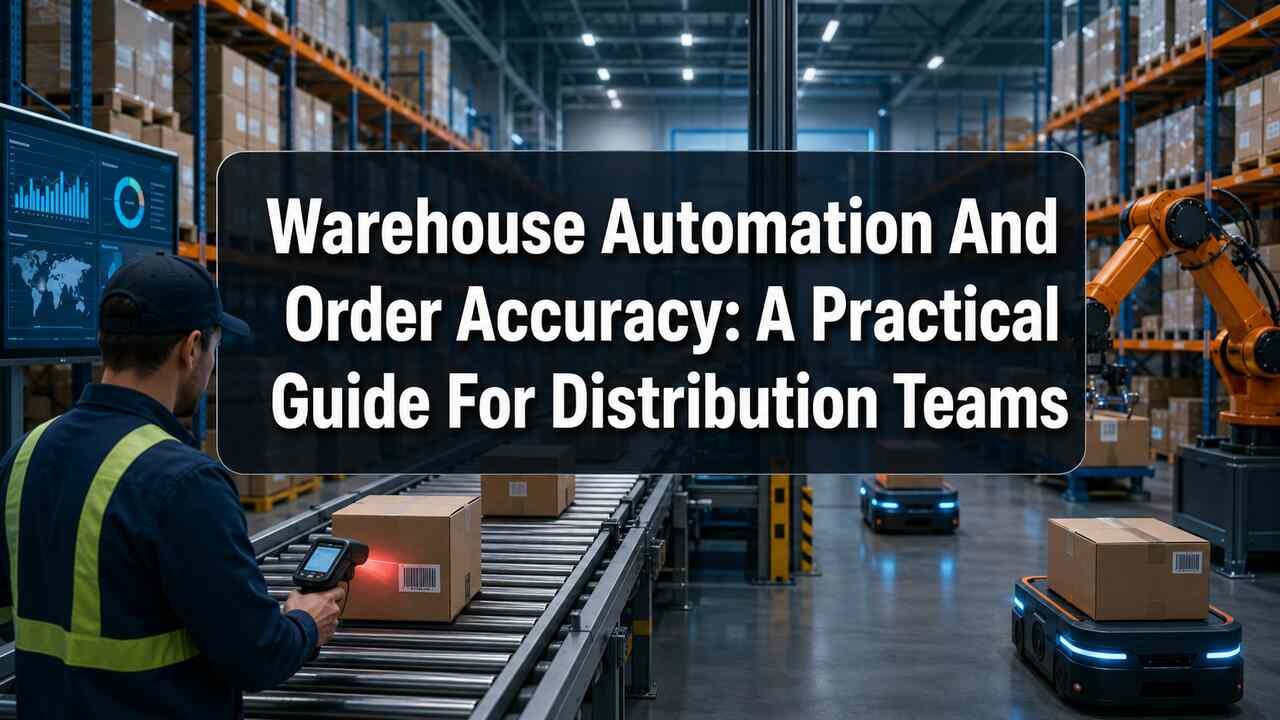
Warehouse accuracy has become a major service issue, not just an operational metric. Distribution teams that evaluate warehousing and distribution services often look beyond speed alone, because an order that ships quickly but contains the wrong item can lead to returns, credits, replacement shipments, and avoidable customer frustration. Warehouses must manage broader product assortments, multiple sales channels, tighter delivery windows, and frequent inventory movement. The goal is not to automate every task. It is to build a dependable operation where workers and technology work together to make correct decisions at every handoff.
Why Order Accuracy Matters
A single wrong size, color, part number, or quantity can create a chain of extra work. The warehouse may need to process a return, locate replacement stock, create a new shipment, investigate the mistake, and update the customer. Accurate inventory records also support reliable delivery promises. When the system says an item is available, but the bin is empty, sales, customer service, and transportation plans can all be affected. Fast work matters, but speed without verification often leads to rework rather than true productivity.
Common Causes Of Warehouse Errors
Many fulfillment mistakes stem from weak systems or unclear instructions, rather than from a lack of effort by warehouse employees. Similar-looking products placed side by side, unclear bin labels, changing storage locations, paper pick lists, and manual data entry all create opportunities for errors. Other frequent causes include delayed inventory updates, inaccurate product dimensions, rushed work during peak periods, and poor handoffs between receiving, storage, picking, packing, and shipping. Finding the source of an error is more useful than simply correcting the final order.
Automation Tools That Support Accuracy
Automation can help prevent mistakes before they reach the dock. A warehouse management system directs work and records inventory movement. Barcode scanning can confirm the item, location, quantity, and order at critical steps. RFID can identify tagged goods without requiring each item to be individually scanned, while pick-to-light systems use visual signals to guide workers to the correct location. Autonomous mobile robots can reduce walking by moving carts, totes, shelves, or goods between work areas. Automated storage and retrieval systems can improve storage density and retrieval consistency. Computer vision and check-weighing tools can help verify labels, products, packaging, and quantities. In practice, logistics automation combines software and equipment to coordinate these activities across a warehouse or distribution center.
Build A Reliable Data Foundation
Automation cannot repair inaccurate information. It can only execute instructions faster, including bad ones. Before adding technology, review SKU names, item numbers, product images, dimensions, weights, case quantities, units of measure, bin locations, and lot or expiration rules. Supplier data, customer requirements, shipping instructions, and order priorities also need consistent ownership.
Simple Data Cleanup Steps
- Identify the fields that create the most confusion on the floor.
- Assign an owner for each important product and location data set.
- Remove duplicate SKUs and replace vague descriptions with usable details.
- Test changes in one zone before applying them across the facility.
- Schedule regular reviews so errors do not quietly return.
Improve Picking, Packing, And Shipping Steps
Process improvements should come before major equipment purchases. For picking, use methods that fit the order profile, such as discrete, batch, zone, or wave picking. Place high-volume items in accessible locations, use scan-to-confirm checks for both the item and bin, and create a clear procedure for damaged, missing, or substituted inventory. At packing stations, verify the order before sealing the carton. Clear packaging rules, readable labels, and weight checks can help identify errors when quantities or item sizes vary. Keep exception work separate from routine packing when possible, so a difficult order does not disrupt every nearby station. Before shipping, confirm the destination, connect shipment information to order records, and review missed carrier cutoffs by their underlying cause.
Keep Safety In The Automation Plan
New technology can change traffic patterns, lifting demands, noise levels, and employee responsibilities. Review pedestrian routes and equipment lanes before launch, then train permanent, temporary, and seasonal workers on the new process. Strong warehouse hazard controls include clear floor markings, guards, emergency stops, equipment inspections, and practical responses to ergonomic risks. Productivity targets should never encourage workers to bypass safe procedures.
Use A Practical Implementation Plan
- Map the current workflow: Follow products, information, and people through the facility.
- Find the largest bottleneck: Focus on the delay, error source, or rework issue with the greatest impact.
- Set a baseline: Measure accuracy, cycle time, labor hours, throughput, and exceptions.
- Run a focused pilot: Test one zone, shift, product group, or process first.
- Train and listen: Explain the change, gather worker feedback, and adjust the workflow.
- Scale carefully: Compare results with the baseline and document the new standard before expanding.
Track The Right Warehouse Metrics
A single productivity number cannot show whether a warehouse is truly improving. Use a balanced set of measures, including order accuracy, inventory accuracy, pick lines per labor hour, order cycle time, dock-to-stock time, on-time shipment rate, cost per order, fulfillment-related returns, rework hours, downtime, safety incidents, and near misses. Review trends by shift, zone, product type, and order channel. Facility-wide averages can hide problems that occur only in one process or location.
Common Questions About Warehouse Automation
Is Automation Only For Large Companies?
No. Smaller operations can begin with mobile scanning, cloud-based warehouse software, replenishment alerts, label automation, or a focused verification step. The right choice depends on volume, product mix, labor availability, space, and the cost of current errors.
Will Automation Replace Warehouse Workers?
Automation often changes work instead of eliminating every role. It can reduce time spent walking, searching, lifting, and entering data, while increasing the need for people who can manage exceptions, inspect quality, maintain equipment, and solve complex order issues.
What Should A Warehouse Automate First?
Start with repetitive, measurable work that produces preventable errors. Barcode verification, routine inventory updates, replenishment prompts, and shipping label creation are often practical starting points. Set a baseline first, then judge improvement against the warehouse’s own results.
Final Thoughts
Accurate warehouse operations are built on strong basics: clean data, logical storage, clear workflows, trained workers, useful technology, and regular measurement. Automation can help distribution teams move faster, reduce repetitive tasks, and minimize avoidable mistakes, but it should strengthen a well-designed process rather than conceal a broken one. Consistent inventory checks, organized picking and packing procedures, and clear communication between teams can also help prevent small errors from becoming costly disruptions. As operations grow, businesses should regularly review their systems and identify areas where processes can be simplified or improved. The most effective strategy is a practical one that improves accuracy, safety, flexibility, and dependable customer service together.


